Published August 12, 2026 · AI, form generation, productivity
What an AI form generator is (and is not)
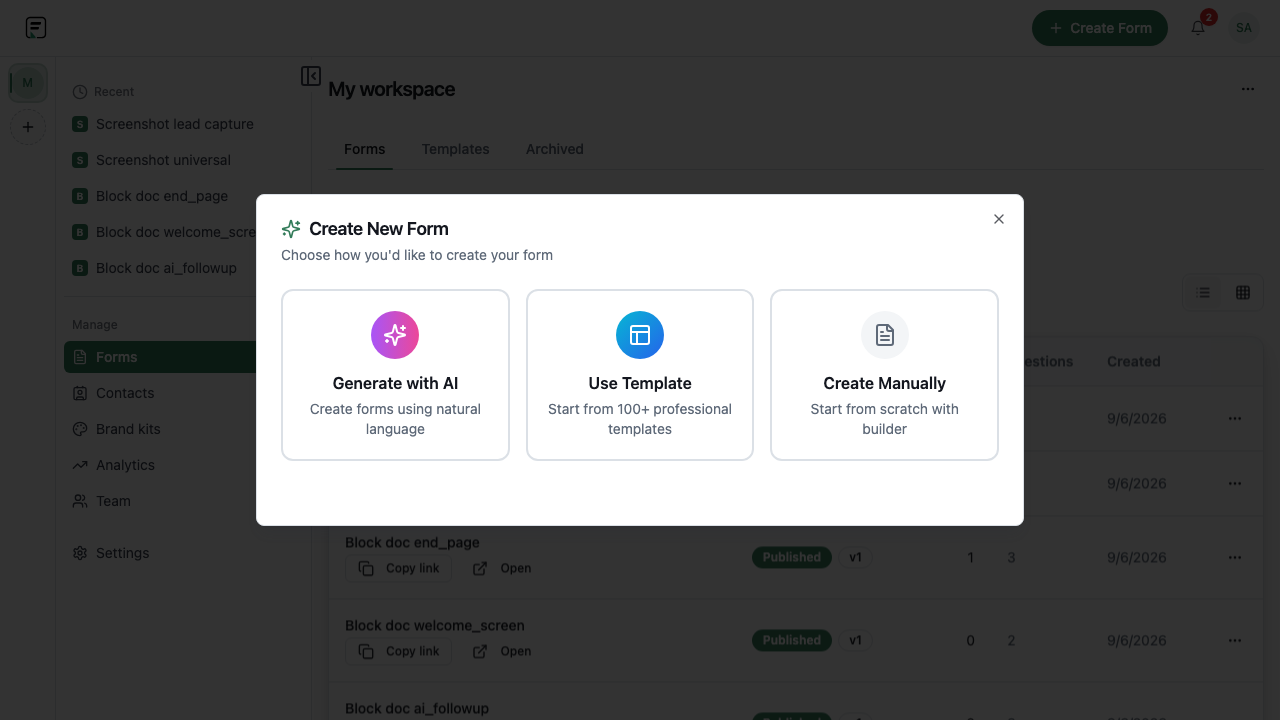
An AI form generator turns a natural-language brief into a structured form draft. It is not a replacement for your judgment: you still review required flags, consent copy, logic, and branding before respondents see anything. Formit’s generator is rate-limited and produces fully editable output in the standard builder - the same publish, embed, and results pipeline as blank or template starts.
- Prompt → editable draft, not a locked black box
- Rate-limited to keep platform usage fair across plans
- Same 31 field types, logic, and integrations after generation
Write a brief that produces a usable draft
Treat the prompt like instructions to a teammate: name the audience, outcome, must-have fields, and tone. “B2B demo request with company size, use case, and email” beats “make a contact form.” Call out score fields if you need NPS or CSAT - they map to Scale and Star blocks. Mention quiz vs survey vs lead capture so the draft picks sensible modes and endings.
Refine in the visual builder
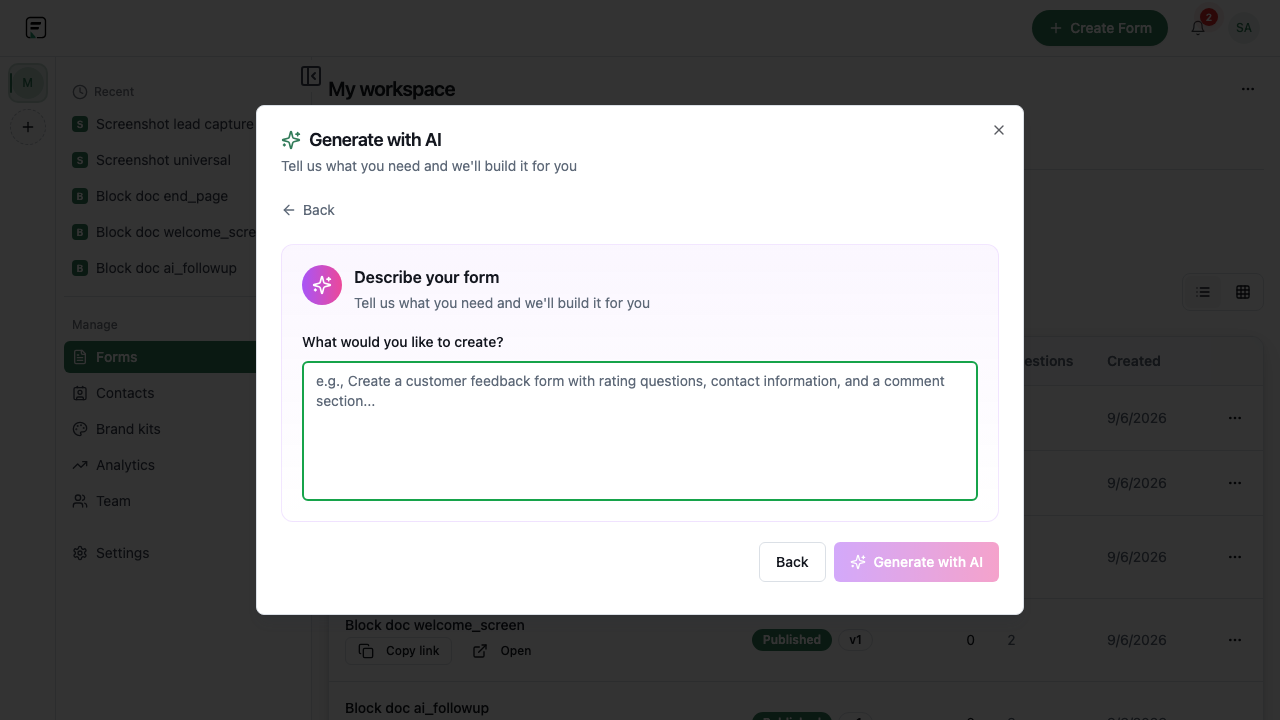
After generation, walk the respondent path question by question. Swap field types, delete unnecessary phone asks, add Statement blocks for context, and wire conditional logic with cycle detection so branches cannot loop forever. Browse the block catalog for specialized types - Schedule for booking, Payment for paid flows, Legal for consent - rather than forcing everything into Short Text.

Layer AI follow-ups where answers need depth
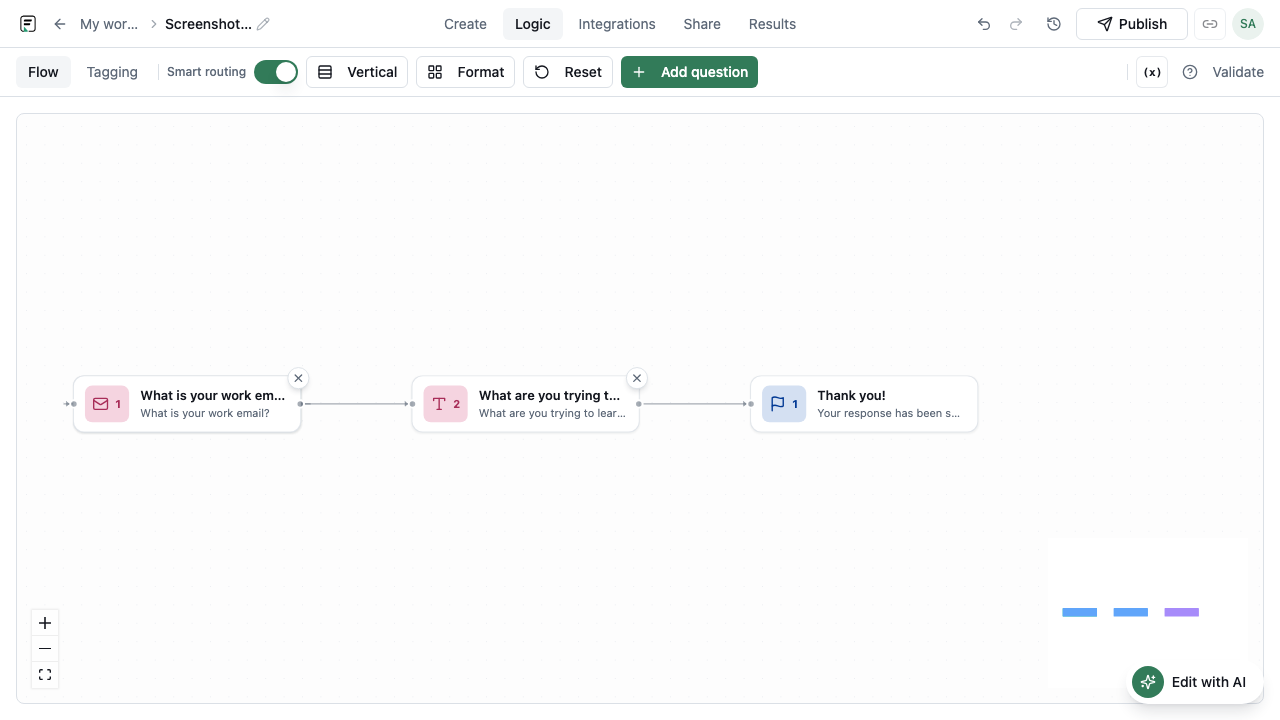
Generation gives you the script; AI follow-ups adapt during the fill. Enable them on questions where low scores or vague open text should trigger a clarifying probe - while the respondent is still in the form, not in a post-submit email. This is distinct from Slack or Sheets alerts, which fire after submit. Follow-ups are rate-limited and optional per question.
- In-form probes on Scale, Star, or Long Text questions
- Separate from after-submit Slack, Sheets, or Zapier routes
- Useful on feedback and qualification forms, not every field
Preview, publish, and distribute
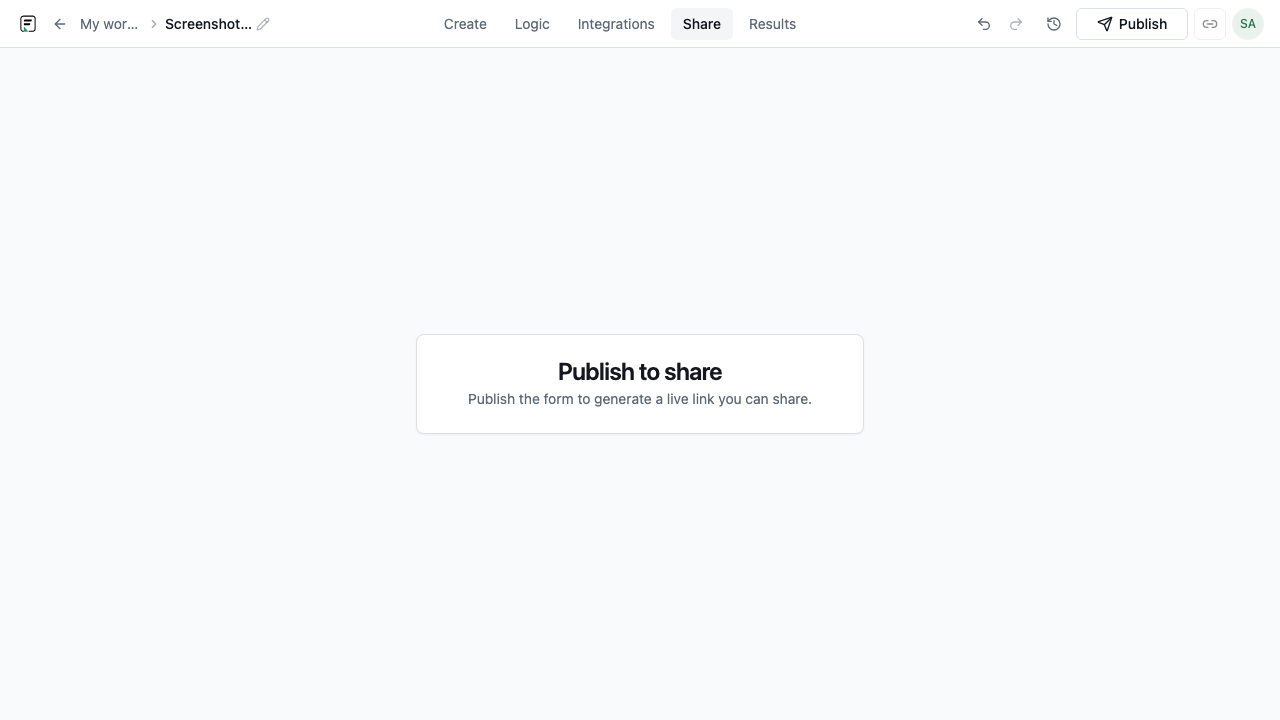
Preview end-to-end, then publish to create a versioned live form. Share a public link, embed with one of six modes, or connect integrations. If the brief changed significantly, regenerate sparingly - rate limits mean refining the existing draft in the builder is usually faster than repeated generation. Submissions bind to the published version, so you can iterate safely after launch.
Frequently asked questions
- Is AI-generated output editable?
- Yes. Every block, option, and setting remains editable in the Formit builder. Generation accelerates the first draft; you control the final form.
- Is AI form generation rate-limited?
- Yes. Generation requests are rate-limited according to platform and plan rules. If you hit a limit, edit the existing draft instead of regenerating repeatedly.
- Do I have to use AI to create forms in Formit?
- No. You can start from blank forms, templates, or duplicate an existing form. AI is optional acceleration, not a requirement.
Related resources
Build your next form in FormitAI
Start free with templates, AI generation, or a blank canvas - then publish and embed where your audience already is.
Try FormitAI free