Published August 15, 2026 · embed, website forms, distribution
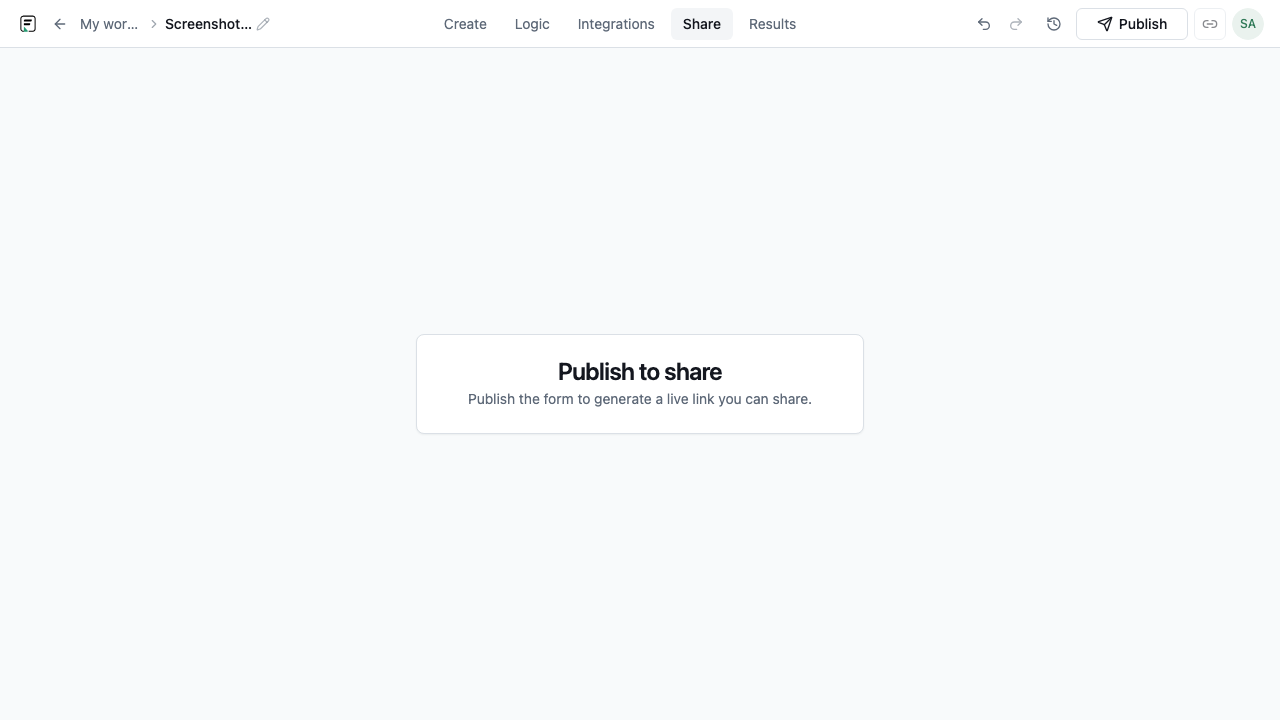
Publish before you embed
Embeds always point at a published version of your form. Draft edits in the builder do not affect live respondents until you publish again. Open Share or Embed from the form, confirm the version is live, then copy the snippet or public URL. Submissions attach to that published version, which keeps analytics coherent when you iterate later.
Pick the embed mode that fits the page
Formit ships six embed modes: standard (inline), full-page, popup, slider, popover, and side-tab. Inline standard embeds suit blog posts and landing sections where the form is part of the content. Full-page embeds work for dedicated /contact or /demo routes. Popup, popover, slider, and side-tab keep respondents on the current page while surfacing the form on a CTA click or scroll trigger.
- Standard - inline iframe in a content column or hero
- Full-page - dedicated route that fills the viewport
- Popup / popover / slider / side-tab - overlay patterns for CTAs
- Public link - no embed code when a standalone URL is enough
Add the embed snippet to your site
Use the @formit/embed script with your form id. Paste the generated snippet into your CMS, static site, or app shell where the form should appear. For overlay modes, wire the trigger button or link to the SDK’s open method. Smoke-test on desktop and mobile: confirm required fields, logic branches, and thank-you endings render correctly inside the embed container.
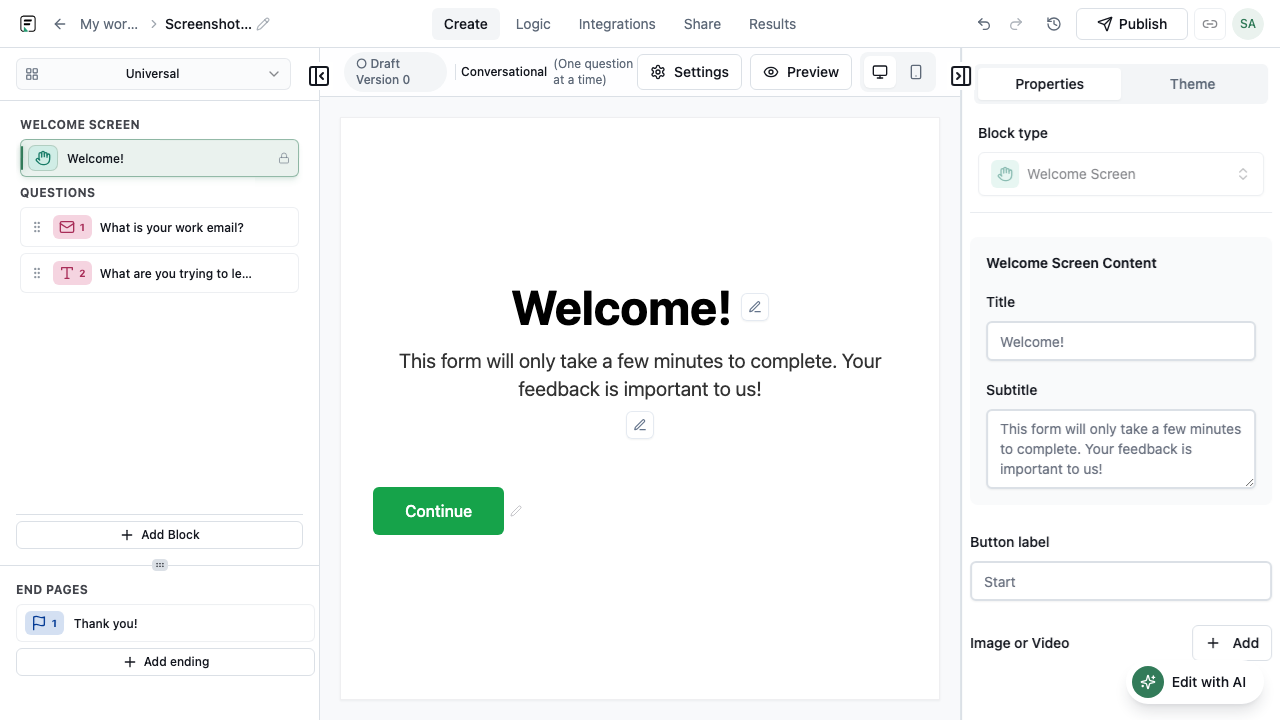
Pass context with hidden fields and URL params
Website embeds often need to stamp page URL, product tier, or campaign id into the submission. Configure hidden fields in the form and set values in the embed initialization, or append URL parameters to the embed src. Respondents never see these values, but they appear in Results and downstream integrations like Sheets or Zapier.
- Hidden fields for static context (product id, locale, account tier)
- URL parameters for dynamic campaign attribution
- Combine with Contacts sync when email is collected on eligible plans
Verify completions and iterate safely
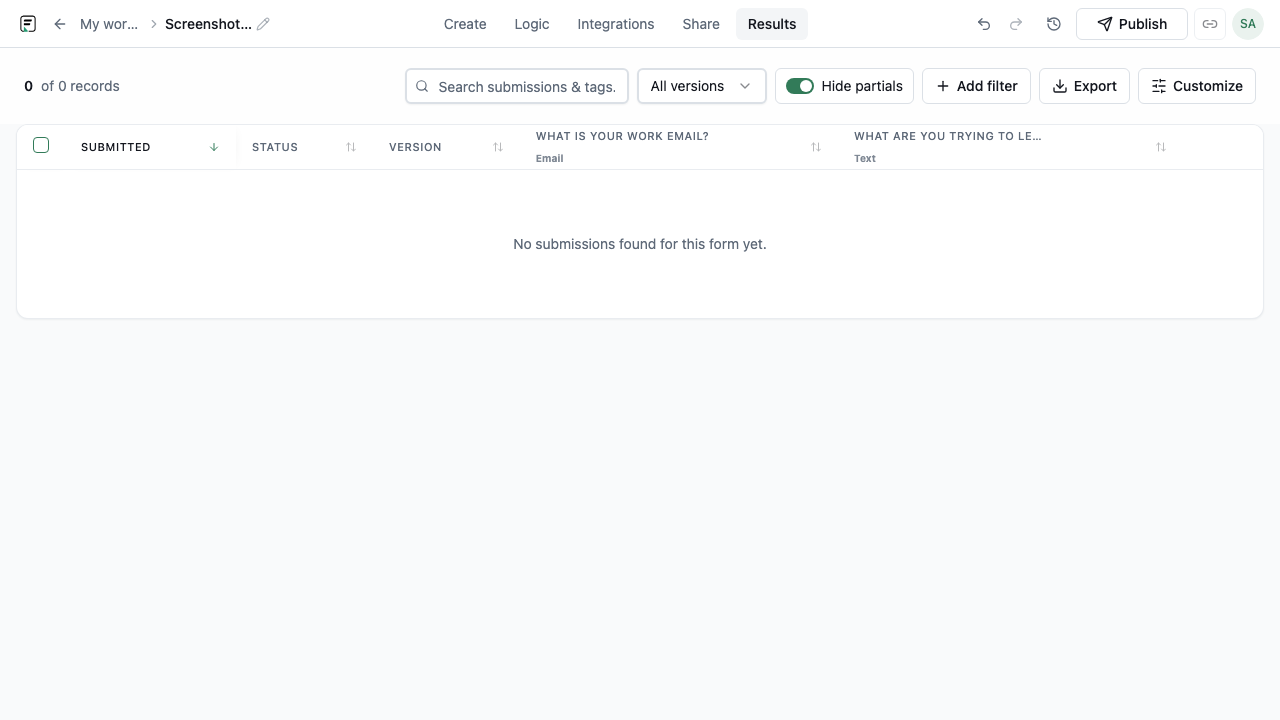
After go-live, check Analytics for views, starts, and completes on the embedded form. Question skip metrics reveal where the on-page experience is too long. When you change fields or logic, publish a new version - existing embed snippets keep working, and new respondents get the updated flow while older submissions remain on their original version.
Frequently asked questions
- How many embed modes does Formit support?
- Six: standard (inline), full-page, popup, slider, popover, and side-tab. You can also share a public link without embedding code.
- Do I need to republish when I edit the form?
- Yes. Embeds serve the last published version. Edit in the builder, publish again, and new respondents see the update. Past submissions stay tied to earlier versions.
- Can I embed forms in email?
- Formit supports email embed. Note that free organizations may display Formit branding on email embed surfaces; paid plans can remove branding where product rules allow.
Related resources
Build your next form in FormitAI
Start free with templates, AI generation, or a blank canvas - then publish and embed where your audience already is.
Try FormitAI free