Published August 20, 2026 · form builder, online forms, getting started
What form builder software actually does
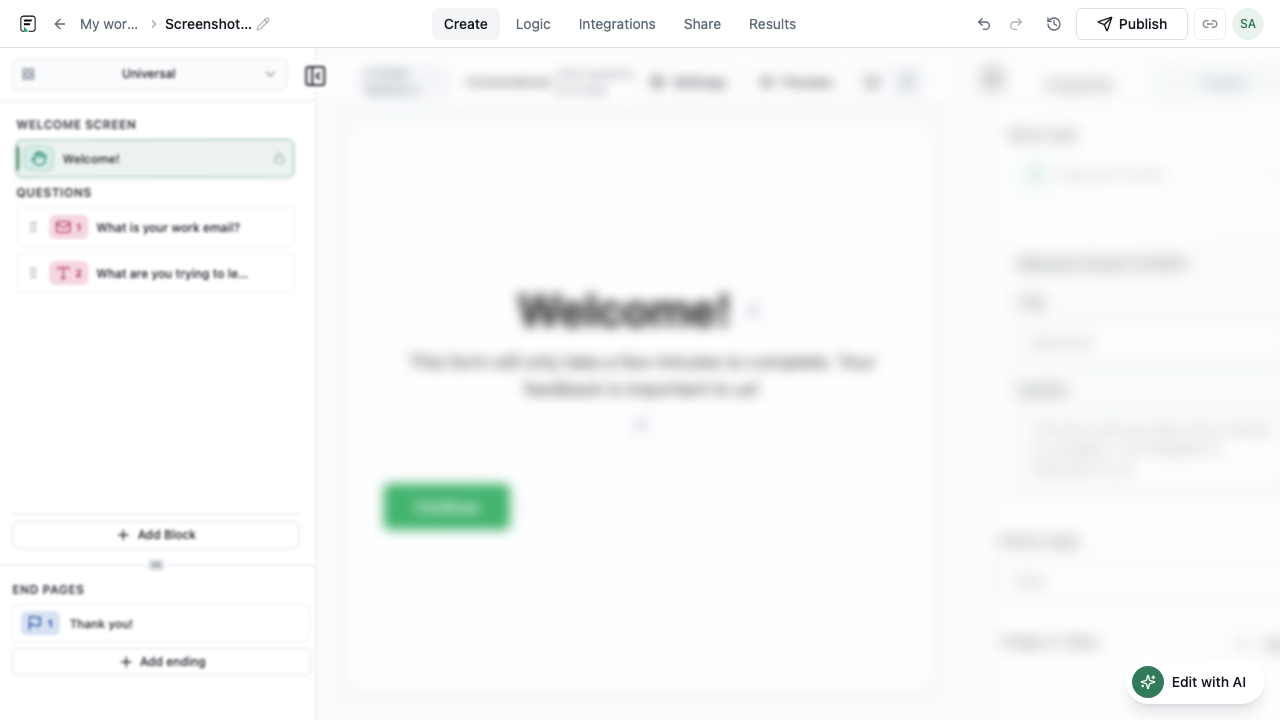
An online form builder is a visual tool for creating forms that collect structured answers from people on the web. Instead of hand-coding HTML inputs and server handlers, you drag blocks into a canvas, configure validation and logic, and publish a live link or embed. Good form builder software also handles submission storage, exports, and integrations so responses reach the tools your team already uses.
- Visual editing instead of manual HTML and backend wiring
- Validation, required fields, and conditional logic built in
- Publishable links and embeds for websites, email, and campaigns
- Results tables, analytics, and integrations after submit
Core building blocks every product shares
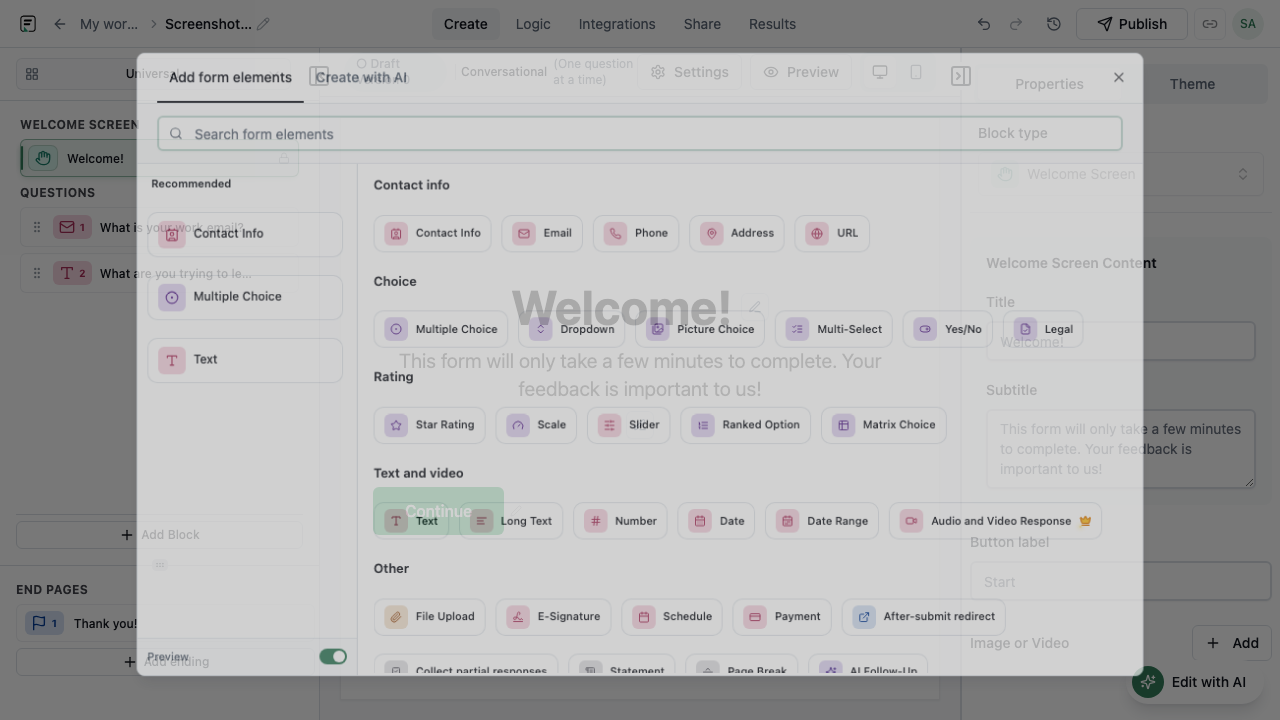
Most form builders organize work around questions (or blocks), a flow order, and endings. Input blocks capture text, email, numbers, and files. Choice blocks handle multiple choice, dropdowns, and ratings. Structure blocks add welcome screens, page breaks, and thank-you pages. Mature products also support conditional logic so later questions change based on earlier answers.
Publishing, versions, and where forms live
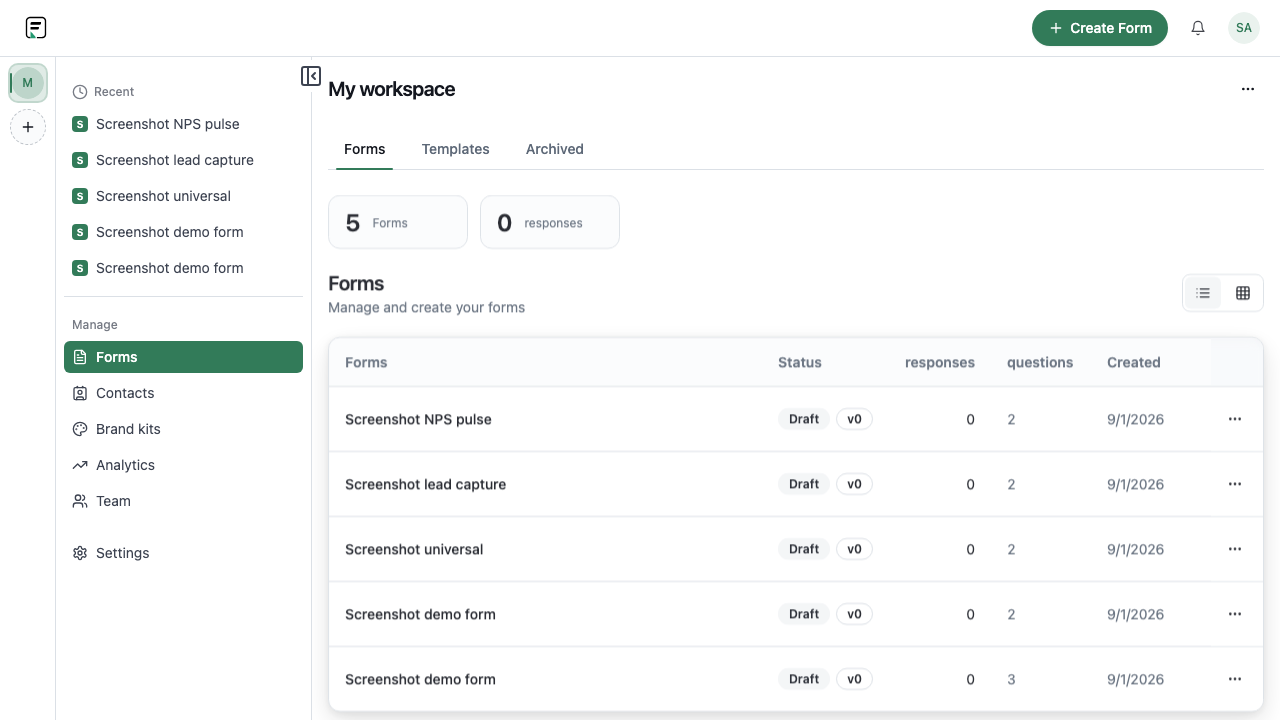
After you design a form, you publish it so respondents can access a stable live version. Versioned publish matters when you iterate: new respondents see the latest release while older submissions stay tied to the version they actually filled. Distribution usually includes a public URL, embed codes for your site, and sometimes branded subdomains or email embed options.
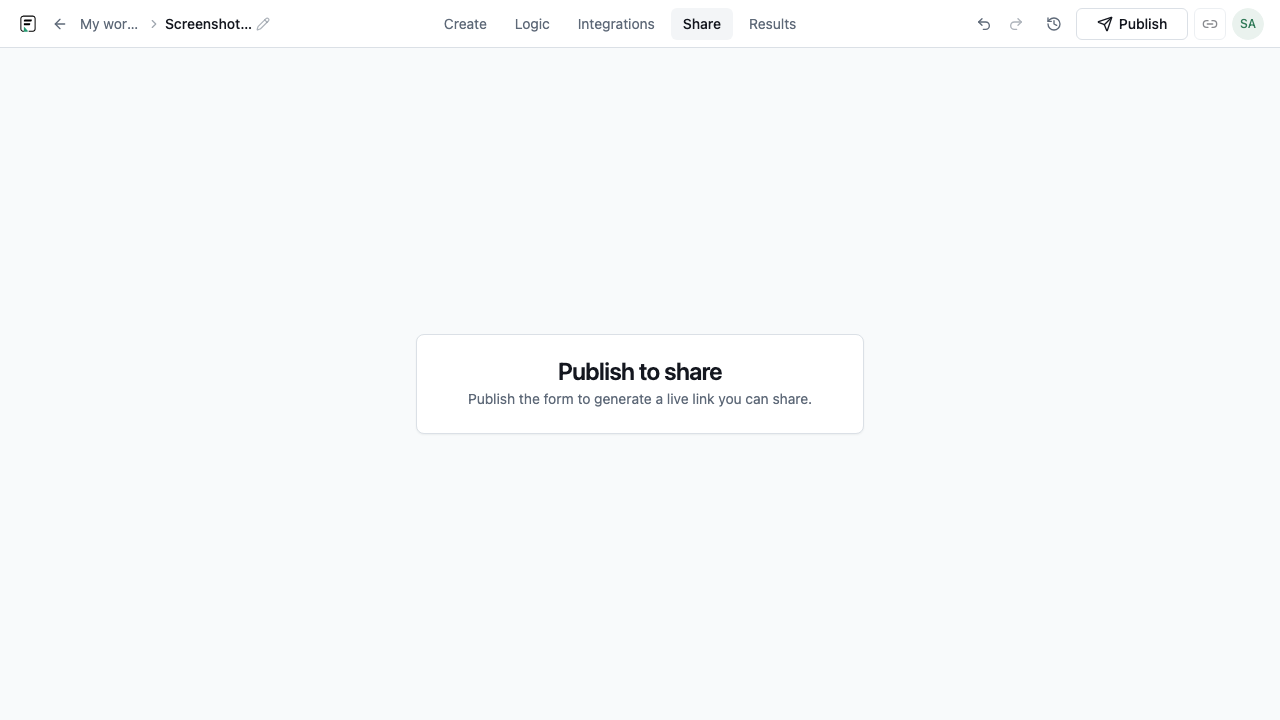
- Draft edits do not change the live form until you publish again
- Submissions bind to the published version the respondent used
- Share via link, embed, or campaign-specific URLs with attribution params
What separates modern form builders
Baseline features - blocks, logic, embeds - are table stakes. Differentiation shows up in AI-assisted authoring, in-form follow-ups that probe vague answers, native integrations, and workspace collaboration. FormitAI adds prompt-based form generation, contextual AI follow-ups during the fill, six embed modes, and native routes to Slack, Google Sheets, Zapier, Calendly, and WhatsApp. Match quiz mode is available on Free; knowledge quiz scoring requires a paid plan.
How to evaluate form builder software for your team
Start with the outcome: lead capture, feedback, registration, or internal intake. Check whether the builder supports the field types you need, logic complexity you expect, and integrations your ops stack requires. Preview the respondent experience on mobile, confirm how publishing and versioning work, and verify plan limits on seats, branding removal, and CRM features like Contacts sync before you commit.
- Match field catalog to your use case (ratings, payments, scheduling, signatures)
- Confirm embed modes fit your site (inline, popup, side-tab, full-page)
- Review integration list and whether AI features are rate-limited
- Test publish/version behavior if you will iterate after launch
Frequently asked questions
- Do I need to code to use an online form builder?
- No. You design forms visually, publish a link or embed, and manage responses in a dashboard. Custom embed scripts and hidden fields are optional for attribution, not a requirement to launch.
- What is the difference between a form builder and a survey tool?
- Many products overlap. Survey tools emphasize research patterns like NPS and CSAT; form builders cover broader intake, registration, and lead capture. Formit supports both through Universal forms, Scale and Star rating blocks, and dedicated survey form type guidance.
- Can form builders embed on existing websites?
- Yes. Formit offers six embed modes - standard, full-page, popup, slider, popover, and side-tab - plus public links and email embed. You publish first, then copy the snippet or URL.
Related resources
Build your next form in FormitAI
Start free with templates, AI generation, or a blank canvas - then publish and embed where your audience already is.
Try FormitAI free