What is Multi-select question?
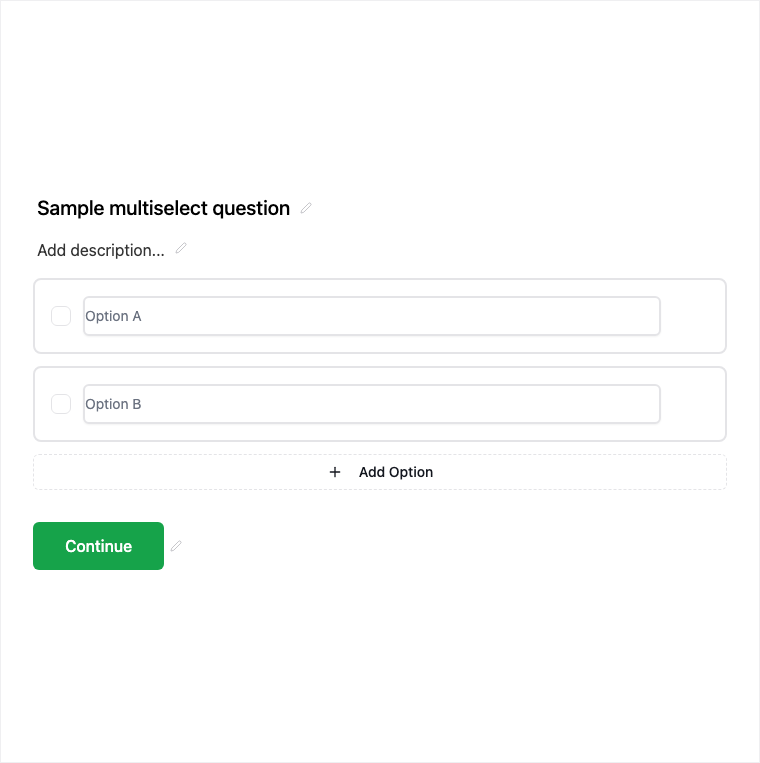
Multi-Select lets respondents pick more than one option from a list - skills, interests, product picks, or multi-tag preferences. Add it from Add Block → Multi-Select in the Formit builder and edit the option list in properties. Answers export as multi-value responses in results.
How it works
- Add Block → Multi-Select on the canvas.
- Edit the option list and clarify in copy that multiple answers are allowed.
- Preview multi-selection behavior on the live form.
- Publish so multi-value answers collect with submissions.
Benefits
- Multiple answers in one question without repeating fields.
- Option list editing matches other choice blocks.
- Exports as multi-value answers for analysis.
Use cases
- Skills, tools, or interest tags on applications.
- Product or feature preference multi-picks.
- Any preference question where several options can apply.
Tips and best practices
- Use Multiple Choice or Dropdown when only one answer should be valid.
- Say “select all that apply” in the question so expectations are clear.
- Keep the list focused - very long multi-selects can slow completion.
Frequently asked questions
- Can respondents select several options?
- Yes. Multi-Select allows multiple answers from the option list.
- How do multi-select answers export?
- They export as multi-value answers in results and CSV-oriented workflows.
- When should I use Multi-Select vs Multiple Choice?
- Use Multi-Select when several options can apply; use Multiple Choice when answers must be mutually exclusive.
Try it in FormitAI
Open the builder, configure this in a real form, publish a version, and share a link or embed. Start free - paid features stay honest about plan gates in the product.
Open FormitAI