What is Multiple choice question?
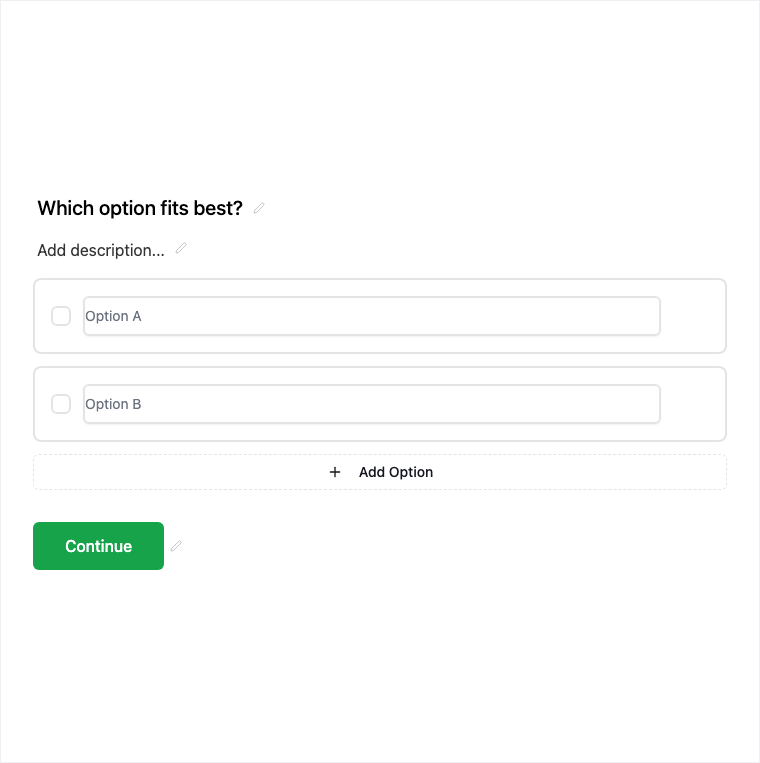
Multiple Choice is Formit’s single-select option list for mutually exclusive answers. Add it from Add Block → Multiple Choice, edit the option list in the properties panel, and wire logic or knowledge-quiz scoring when needed. It is a foundation block for quizzes, surveys, and branching.
How it works
- Add Block → Multiple Choice on the canvas.
- Edit the option list and mark required if a single answer is mandatory; configure quiz scoring when in Knowledge quiz mode.
- Preview selection behavior and any logic branches tied to options.
- Publish so single-select answers collect on the live form.
Benefits
- Single selection keeps answers clear and mutually exclusive.
- Option list editing is straightforward in the properties panel.
- Friendly for logic branching and quiz scoring.
Use cases
- Knowledge quiz questions with one correct answer.
- Survey items where only one option is valid.
- Branching gates that send respondents down different paths.
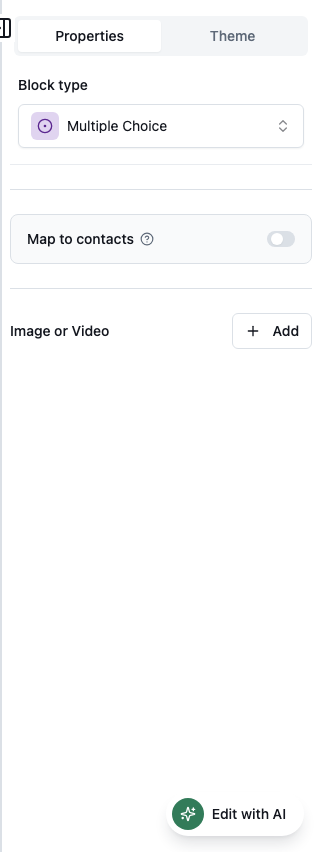
Properties panel
Block-specific settings for Multiple Choice in the builder properties panel.
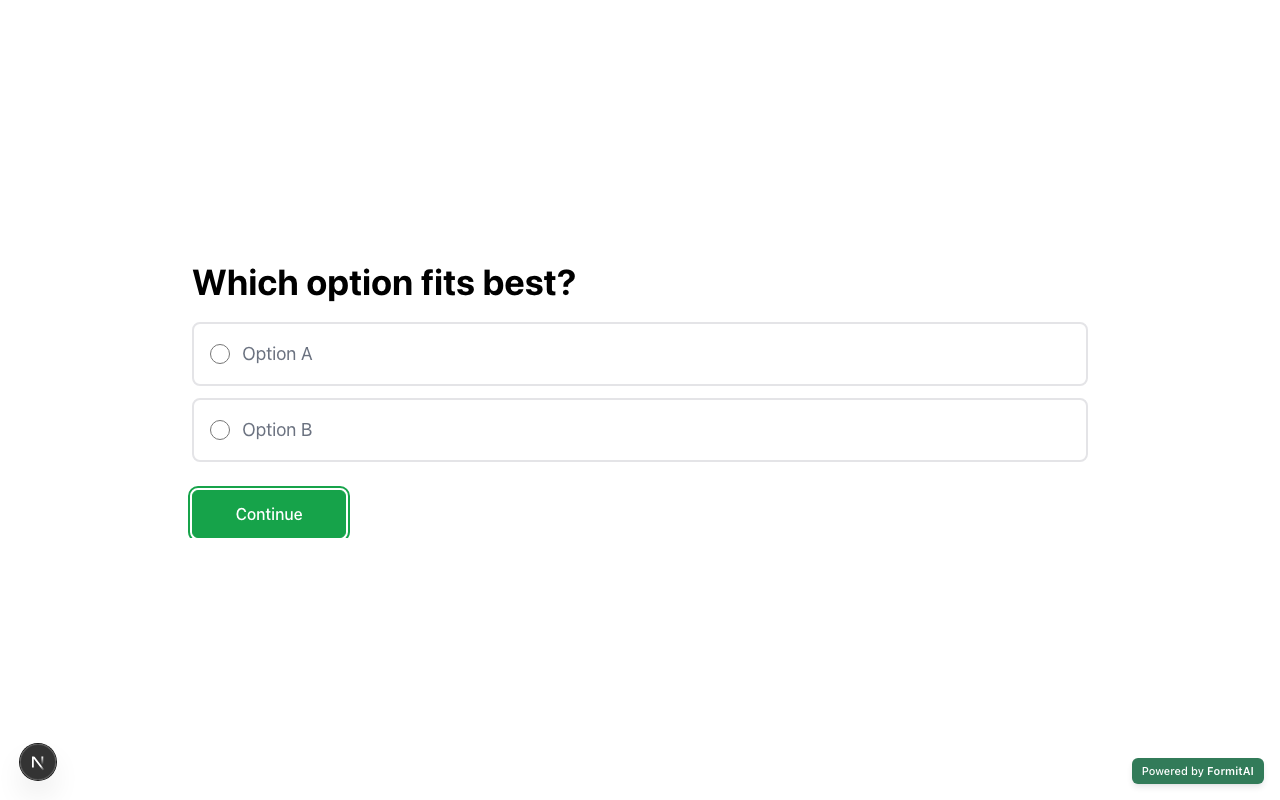
Respondent view
How the Multiple Choice field appears when someone fills out your published form.
Tips and best practices
- Use Multi-Select when respondents may pick more than one option.
- Use Dropdown for long option lists that would clutter the page.
- Keep option wording short and mutually exclusive.
Frequently asked questions
- Can respondents pick more than one option?
- No. Multiple Choice is single selection only. Use Multi-Select when several answers are valid.
- Does Multiple Choice work with logic and quizzes?
- Yes. It is logic- and quiz-scoring friendly - wire branches or mark correct options in Knowledge quiz mode.
- How do I edit the choices?
- Edit the option list in the builder properties panel after adding Multiple Choice from Add Block.
Try it in FormitAI
Open the builder, configure this in a real form, publish a version, and share a link or embed. Start free - paid features stay honest about plan gates in the product.
Open FormitAI