What is Picture choice question?
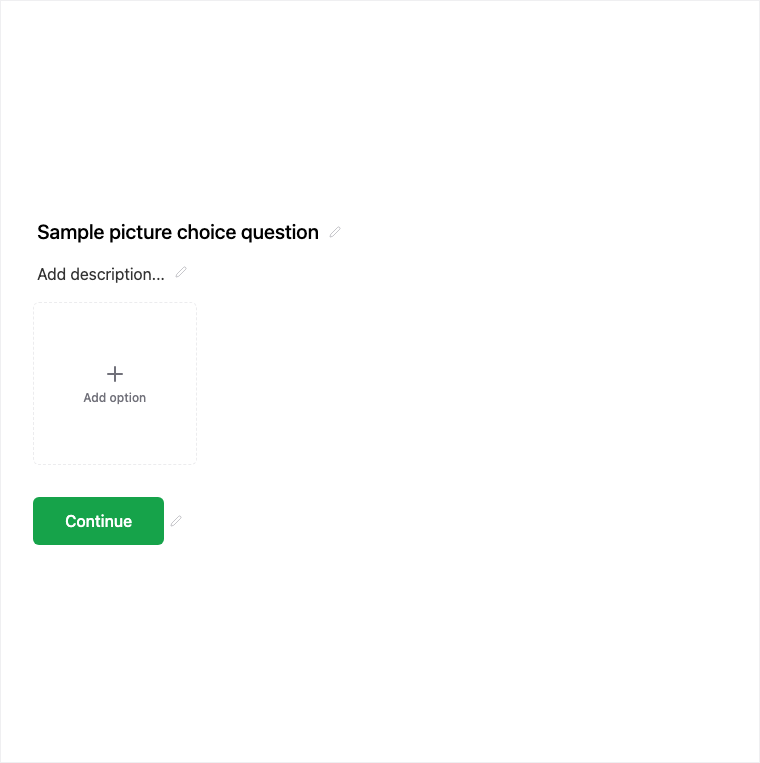
Picture Choice presents visual options so respondents choose from images instead of text alone. Add it from Add Block → Picture Choice in the Formit builder, then upload or pick images per option in the properties panel. It delivers a strong mobile visual UX for brand, product, or preference questions.
How it works
- Add Block → Picture Choice on the canvas.
- Upload or pick an image per option and configure selection rules as available.
- Preview image options on mobile and desktop.
- Publish so visual choices collect with the live form.
Benefits
- Image per option makes brand and product choices intuitive.
- Supports single or configured selection rules in the builder.
- Strong visual UX especially on mobile.
Use cases
- Brand preference or mood-board style questions.
- Product variant or packaging choice.
- Visual A/B style preference questions.
Respondent view
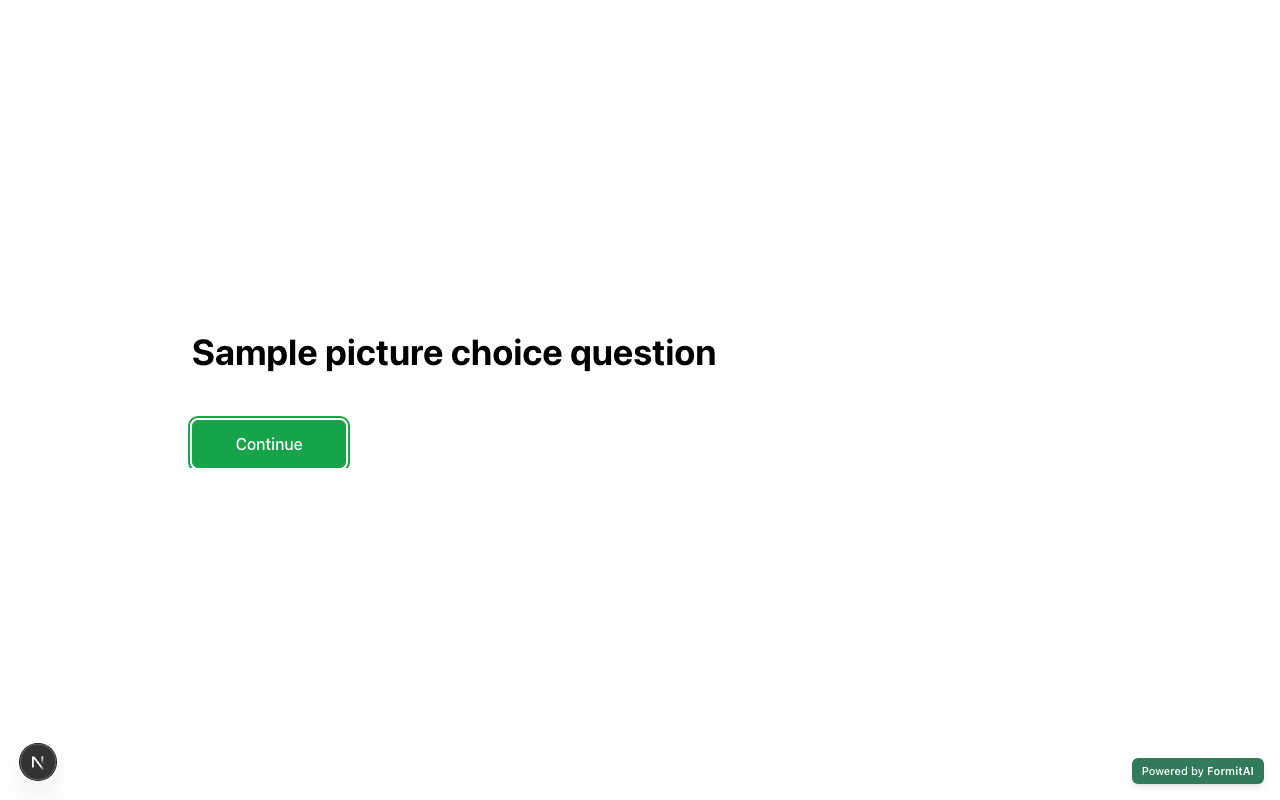
How the Picture Choice field appears when someone fills out your published form.
Tips and best practices
- Use consistent image crops and sizes so options feel fair.
- Add short labels under images when text context still helps.
- Keep the option count manageable so the grid stays scannable.
Frequently asked questions
- How do I add images to options?
- After Add Block → Picture Choice, upload or pick images per option in the properties panel.
- Is Picture Choice only single select?
- Selection follows the single or configured selection rules available on the block in the builder.
- When should I use Picture Choice?
- Use it when images communicate the choice better than text alone - brand, product variants, or visual preferences.
Try it in FormitAI
Open the builder, configure this in a real form, publish a version, and share a link or embed. Start free - paid features stay honest about plan gates in the product.
Open FormitAI