What is Yes/No question field?
Yes/No is a binary toggle for consent-lite, preference, and branching decisions. Add it from Add Block → Yes/No in the Formit builder; it stays minimal in the UI and works well as a logic predicate. Use Legal when you need explicit consent copy rather than a simple yes/no gate.
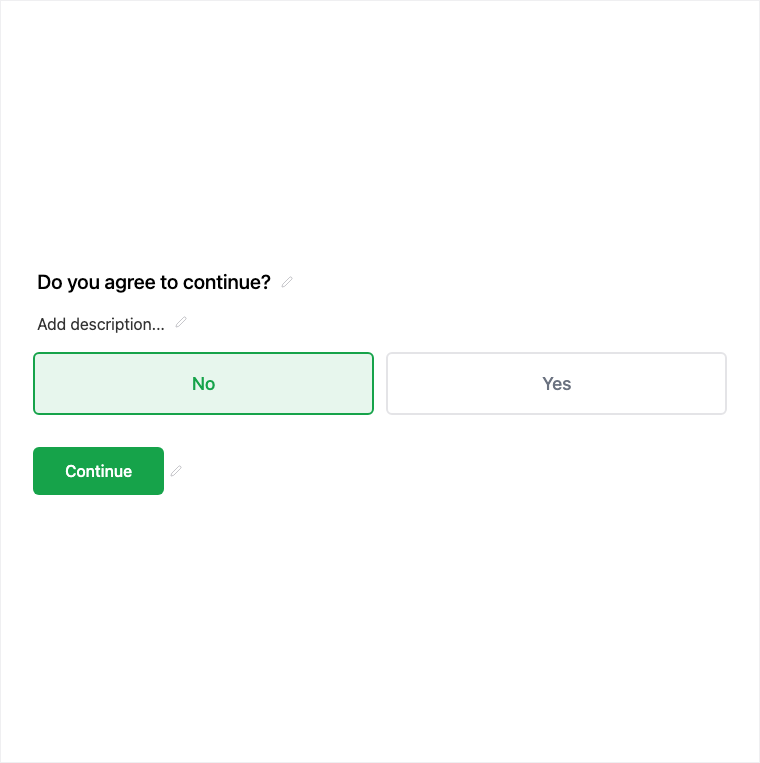
How it works
- Add Block → Yes/No on the canvas.
- Write clear yes/no question copy and configure required if needed.
- Preview and attach Logic rules that branch on the binary answer.
- Publish so the gate is live on the form.
Benefits
- Binary answer keeps branching and analysis simple.
- Minimal UI chrome for fast decisions.
- Great logic predicate for show/skip/jump rules.
Use cases
- Simple yes/no gates that feed Logic.
- Preference toggles (opt-in style) that are not full Legal consent.
- Qualification questions before longer sections.
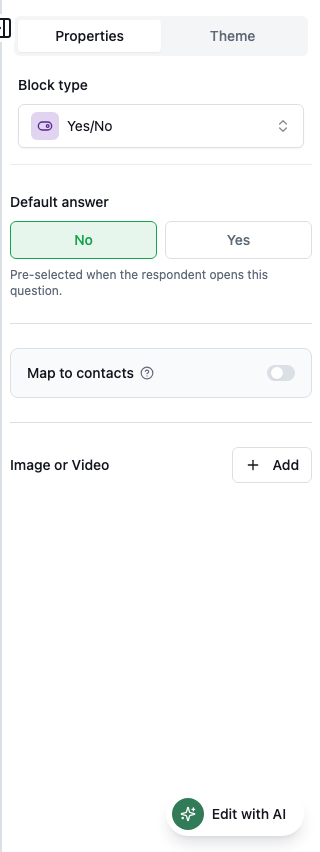
Properties panel
Block-specific settings for Yes/No in the builder properties panel.
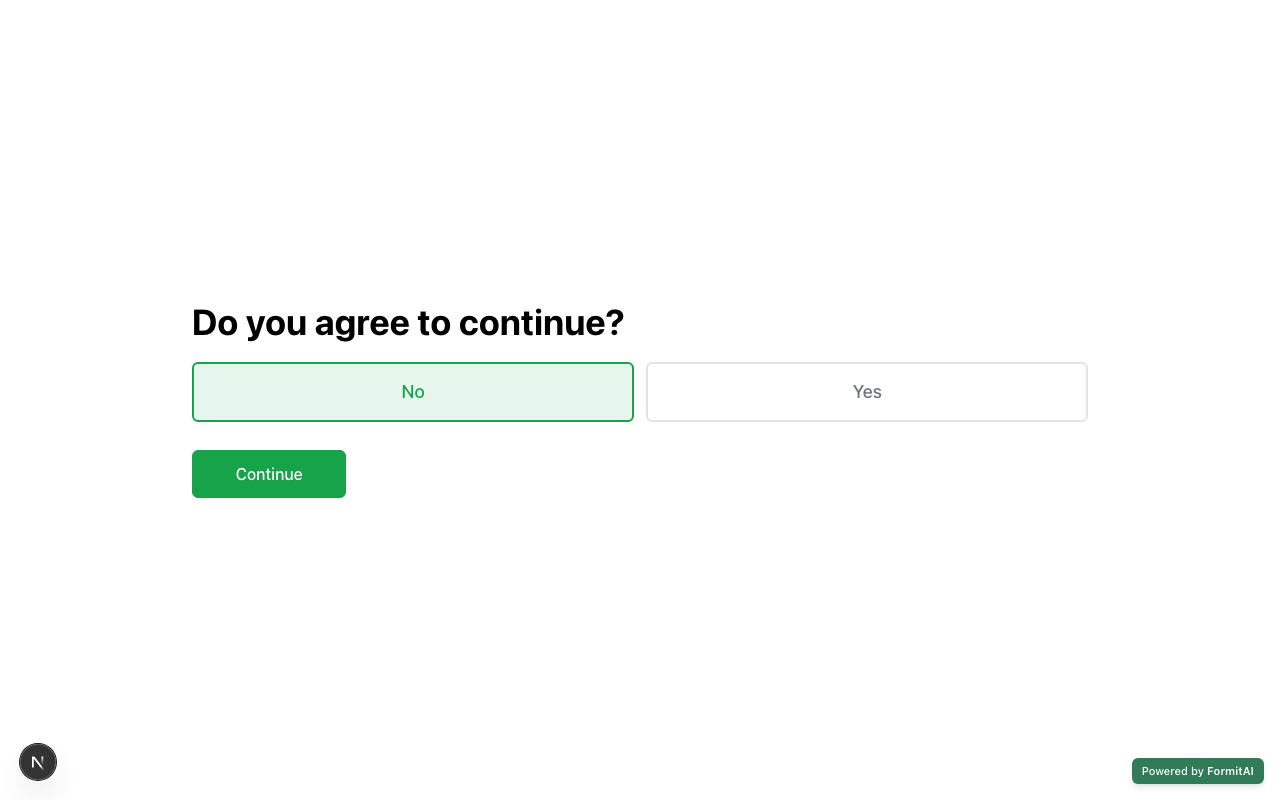
Respondent view
How the Yes/No field appears when someone fills out your published form.
Tips and best practices
- Use Legal for terms, privacy, or marketing consent copy that should be required.
- Keep wording unambiguous - avoid double negatives.
- Wire Logic immediately after adding so preview covers both branches.
Frequently asked questions
- Can Yes/No drive Logic?
- Yes. Use it as a branch condition in Logic for show, skip, or jump rules.
- How is Yes/No different from Legal?
- Yes/No is a binary preference or gate with minimal UI. Legal is for consent copy that is typically required before submit.
- Where do I add Yes/No?
- Add Block → Yes/No, then configure it in the properties panel and optionally open Logic.
Try it in FormitAI
Open the builder, configure this in a real form, publish a version, and share a link or embed. Start free - paid features stay honest about plan gates in the product.
Open FormitAI