What is Legal / consent checkbox?
The Legal block captures consent for terms, privacy, or marketing opt-in with dedicated consent copy. Add it from Add Block → Legal in the Formit builder; it is typically required before submit and leaves an audit-friendly acceptance stamp on the submission.
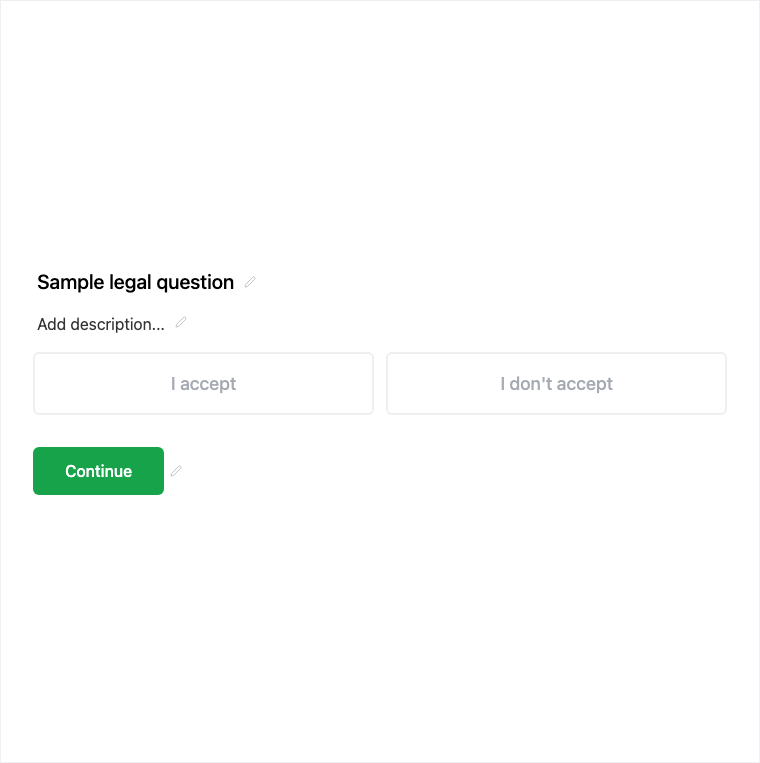
How it works
- Add Block → Legal near the end of the form (or where consent is required).
- Write consent copy for terms, privacy, or marketing opt-in and keep it required as needed.
- Preview that respondents must accept before submit.
- Publish so consent is enforced on the live form.
Benefits
- Dedicated consent copy instead of a bare yes/no toggle.
- Usually required so submit cannot proceed without acceptance.
- Audit-friendly acceptance stamp on the submission.
Use cases
- Terms of service acceptance before submit.
- Privacy policy acknowledgment.
- Marketing opt-in consent on lead forms.
Tips and best practices
- Place Legal where respondents expect consent - often near submit.
- Keep copy specific to what they are accepting.
- Use Yes/No for simple preference gates that are not formal consent.
Frequently asked questions
- Is Legal usually required?
- Yes. Legal is typically required before submit so respondents must accept the consent copy.
- What kinds of consent can I write?
- Common uses include terms acceptance, privacy acknowledgment, and marketing opt-in copy.
- Does acceptance get stored?
- Yes. Acceptance leaves an audit-friendly stamp with the submission.
Try it in FormitAI
Open the builder, configure this in a real form, publish a version, and share a link or embed. Start free - paid features stay honest about plan gates in the product.
Open FormitAI