What is URL / website field?
The URL field asks for a website or link with URL-friendly validation. In the Formit builder, add it from Add Block → URL for company sites, portfolios, or proof links. Optional https guidance in help text keeps answers consistent, and the link stores with the submission for results and export.
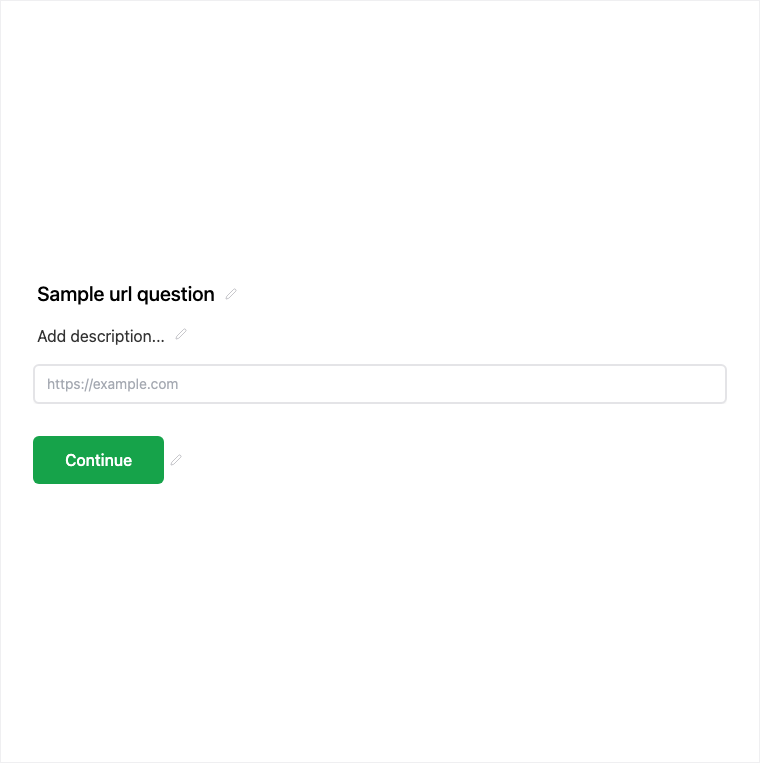
How it works
- Add Block → URL on the form canvas.
- Add help text (for example https guidance) and set required if the link is mandatory.
- Preview to confirm URL validation on sample links.
- Publish so website and profile links are collected on the live form.
Benefits
- URL validation reduces malformed links at submit time.
- Stores the link for results and export review.
- Help text can guide respondents toward https-style URLs.
Use cases
- Company website or product URL on lead forms.
- Portfolio or social profile links on applications.
- Proof links for case studies, repos, or campaign landing pages.
Tips and best practices
- Use help text to suggest including https when that matters for your team.
- Keep URL required only when you cannot proceed without a link.
- Prefer Text if you need a free-form string that is not a URL.
Frequently asked questions
- Does the URL field validate links?
- Yes. It uses URL-friendly validation so respondents enter a link-shaped answer.
- Where is the submitted URL stored?
- The link is stored with the submission and available in results and export.
- Can I guide respondents to include https?
- Yes. Add optional https guidance in help text from the properties panel.
Try it in FormitAI
Open the builder, configure this in a real form, publish a version, and share a link or embed. Start free - paid features stay honest about plan gates in the product.
Open FormitAI