Published August 18, 2026 · lead capture, lead generation, marketing

Define what counts as a qualified lead
Before you open the builder, write down the minimum data sales or marketing needs to follow up: usually name and email, sometimes company size or intent. Every extra field lowers conversion on paid traffic, so treat optional questions as optional. If you only need an email for a newsletter, a single Email block beats a full Contact Info block.
- Required: validated email (Email block or Contact Info sub-field)
- Optional: phone, company, role, or intent when routing depends on it
- Avoid duplicate asks - Contact Info already bundles name, email, phone, and company
Build the form in Formit
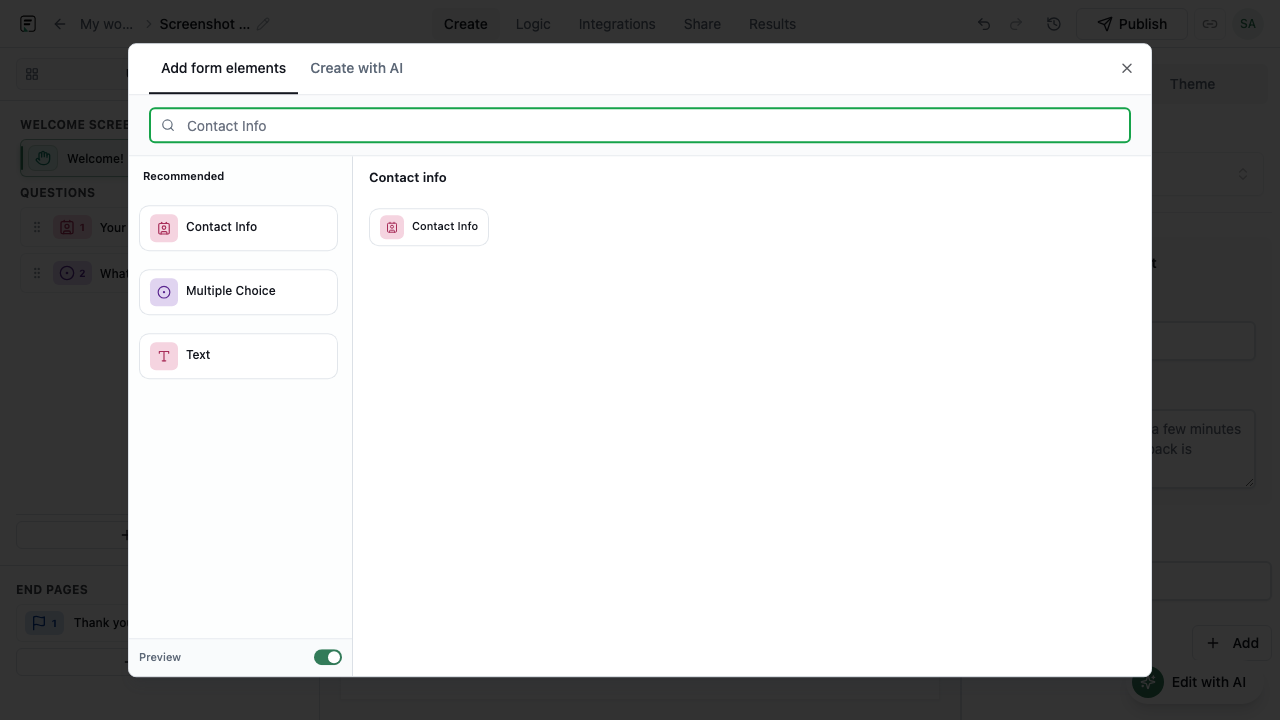
Create a Universal form or start from a lead-capture template. Add Contact Info and/or Email, then one short qualification question if needed - Multiple Choice for “What are you interested in?” works well. Open Add Block to browse all 31 field types; for most lead forms you will stay with input and choice blocks rather than payment or quiz modes.
Add attribution without asking respondents
Campaign tracking should not rely on people retyping UTM values. Configure hidden fields or URL parameters so source, medium, and campaign IDs flow into the submission silently. When you share the public link or embed on a landing page, append query params or map hidden fields in the embed snippet so Results shows which ad or page produced each lead.
- Pass UTM or partner IDs via URL parameters on shared links
- Map hidden fields in embed code for page-level context
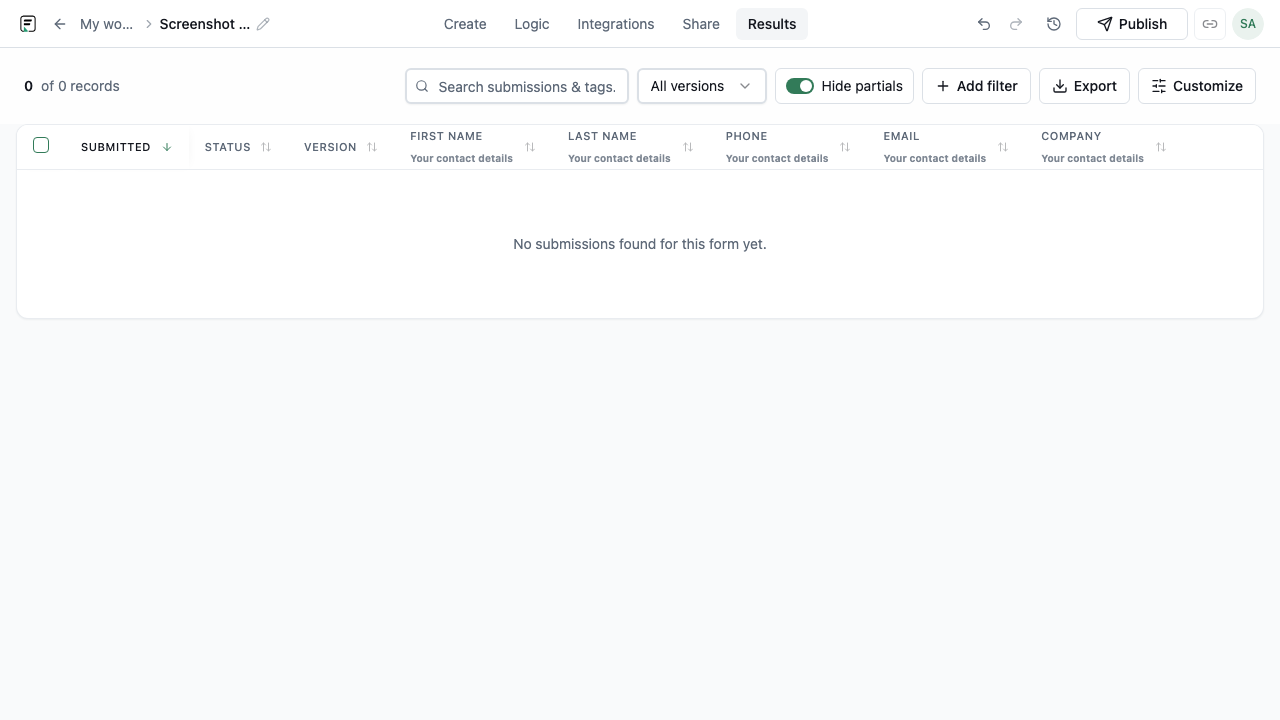
- Review attribution columns in Results alongside contact answers
Publish, embed, and sync to Contacts
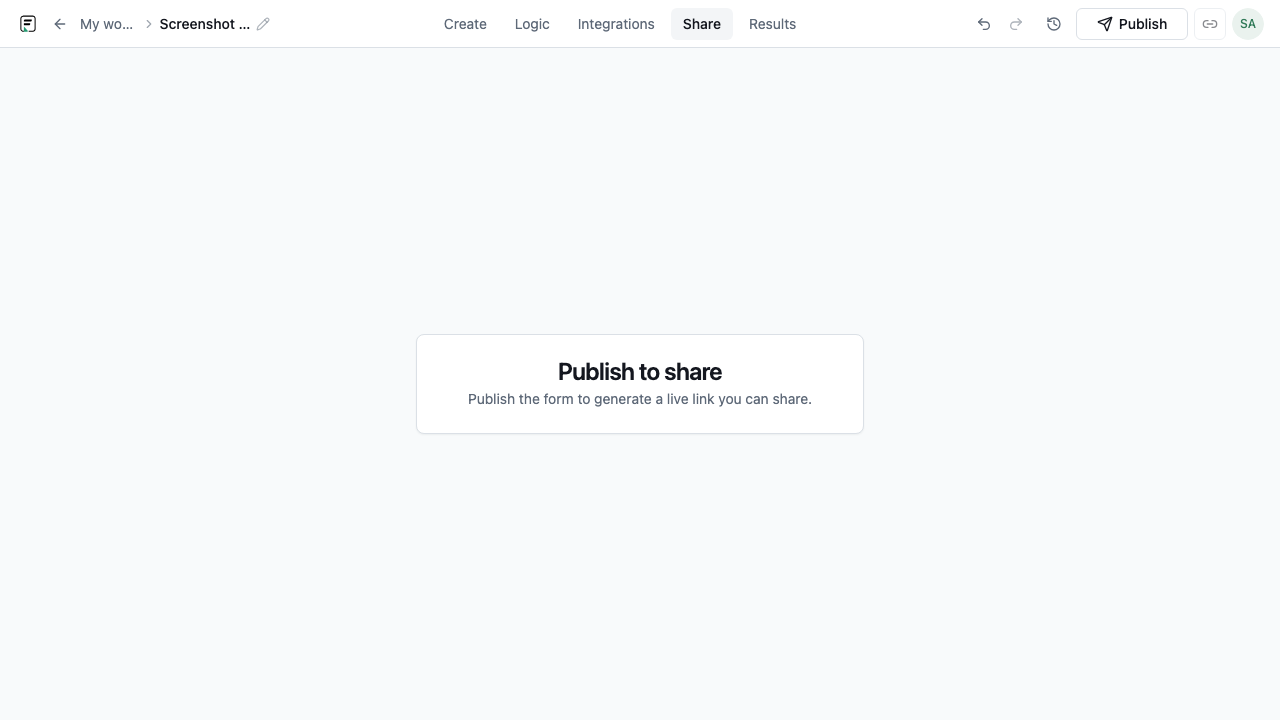
Preview on mobile, then publish to create a versioned live form. Embed inline on landing pages or use popup, popover, or side-tab modes for homepage CTAs. On eligible plans, enable Contacts sync so each submission creates or updates a contact record mapped from email and custom properties - useful for CRM-lite workflows without exporting CSVs daily.
Route leads to the tools your team uses
Beyond Contacts, connect after-submit integrations: Slack for instant channel alerts, Google Sheets for a live spreadsheet, Zapier for CRM pushes, or email notifications for owners. These fire on submit - separate from in-form AI follow-ups, which ask clarifying questions while the respondent is still filling the form. Pick one primary routing path per form to avoid duplicate noise.
Frequently asked questions
- Which blocks should a lead generation form include?
- Start with Email or Contact Info. Add one intent or firmographic question only when it changes routing or qualification. Include a Legal block if you need marketing consent.
- How do I track which campaign a lead came from?
- Use hidden fields or URL parameters when sharing or embedding the form. UTM and referrer values store with the submission in Results without showing them to respondents.
- When does Contacts sync become available?
- Contacts sync is plan-gated. Enable it on forms that collect email, publish on an eligible plan, and map submission fields to contact properties in form settings.
Related resources
Build your next form in FormitAI
Start free with templates, AI generation, or a blank canvas - then publish and embed where your audience already is.
Try FormitAI free