What is After-submit redirect?
After-submit redirect sends finishers to an external thank-you URL - portal, receipt page, or next product step - when the form completes. Add it as an end action / block with a destination URL in the Formit builder. Prefer an End page when the thank-you should stay inside Formit; use redirect when you need an external next step. Publishing may require a higher plan.
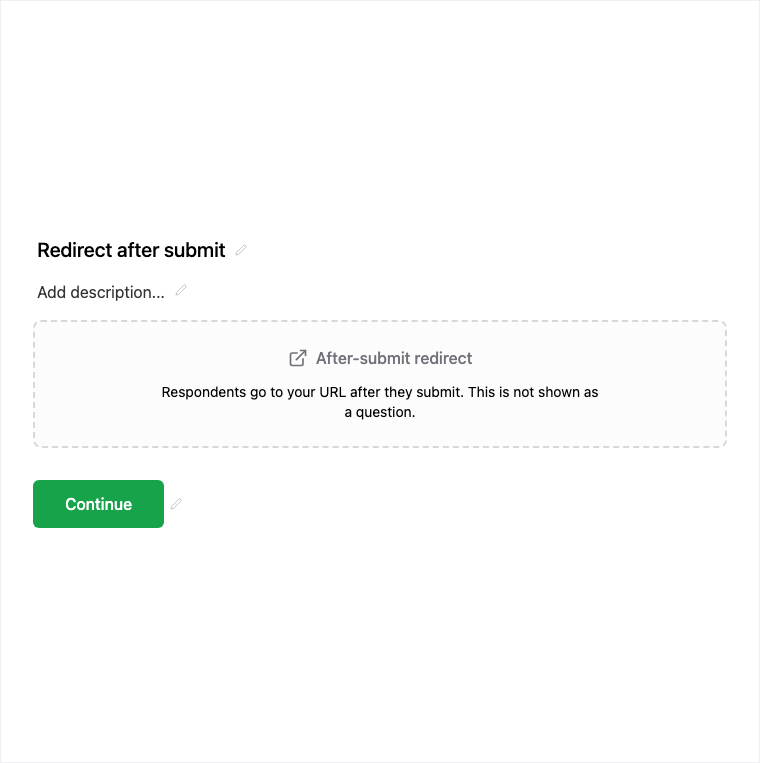
How it works
- Add After-submit redirect as an end action / block in the builder.
- Set the destination URL for the portal, receipt, or next product step.
- Preview the completion path to confirm the redirect fires when the form completes.
- Publish on an eligible plan so finishers land on the external URL.
Benefits
- Destination URL sends finishers to the next external step.
- Fires when the form completes - no extra respondent action.
- Use instead of only an End page when you need an off-Formit next step.
Use cases
- Send finishers to a customer portal or account setup URL.
- Receipt or confirmation pages hosted on your site.
- Next product step after a lead or onboarding form.
Tips and best practices
- Use End Page when thank-you copy and media should stay inside Formit.
- Double-check the destination URL before publish.
- Confirm plan eligibility - after-submit redirect is plan-gated.
Limitations and plan notes
- Publishing after-submit redirect may require a higher (paid) plan.
- Redirect is for external destinations; in-Formit thank-you experiences use End Page.
Frequently asked questions
- When does the redirect fire?
- It fires when the form completes, sending respondents to the configured destination URL.
- Should I use End Page or after-submit redirect?
- Use End Page for in-Formit thank-you copy and media. Use after-submit redirect when you need an external next step.
- Is after-submit redirect plan-gated?
- Yes. Publishing may require a higher plan to send finishers to an external thank-you URL.
Try it in FormitAI
Open the builder, configure this in a real form, publish a version, and share a link or embed. Start free - paid features stay honest about plan gates in the product.
Open FormitAI