What is End page / thank you screen?
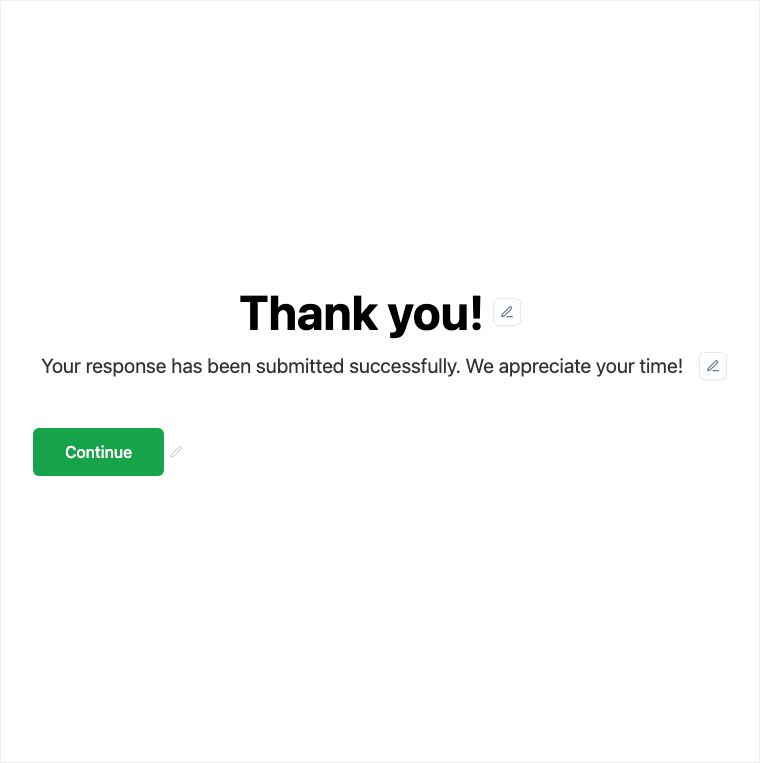
End Page closes the experience with a custom thank-you or next-step message, optional media, and support for multiple endings via logic or quiz outcomes. Add or edit End pages in the Formit builder. Use after-submit redirect when finishers must leave Formit for an external URL.
How it works
- Add or edit an End Page in the form builder.
- Write thank-you copy, add optional media, and configure additional endings if logic or quiz outcomes need them.
- Preview each ending path respondents might reach.
- Publish so finishers see the correct thank-you or next-step screen.
Benefits
- Custom thank-you copy closes the experience on-brand.
- Optional media reinforces next steps or celebration.
- Multiple endings via logic or quiz outcomes for personalized finishes.
Use cases
- Standard thank-you after survey or lead forms.
- Pass/fail or outcome messaging on knowledge and match quizzes.
- Personalized endings routed by Logic.
Properties panel
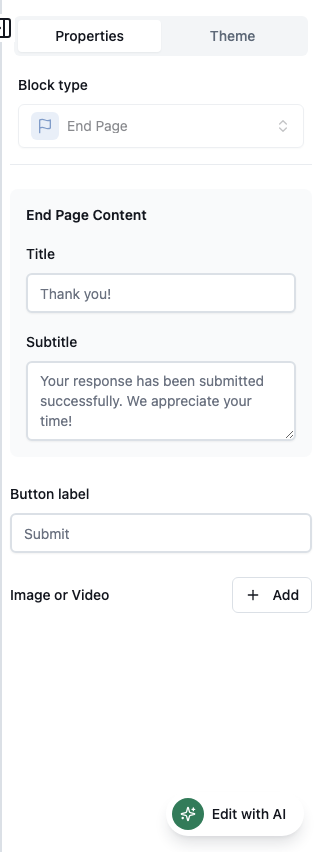
Block-specific settings for End Page in the builder properties panel.
Respondent view
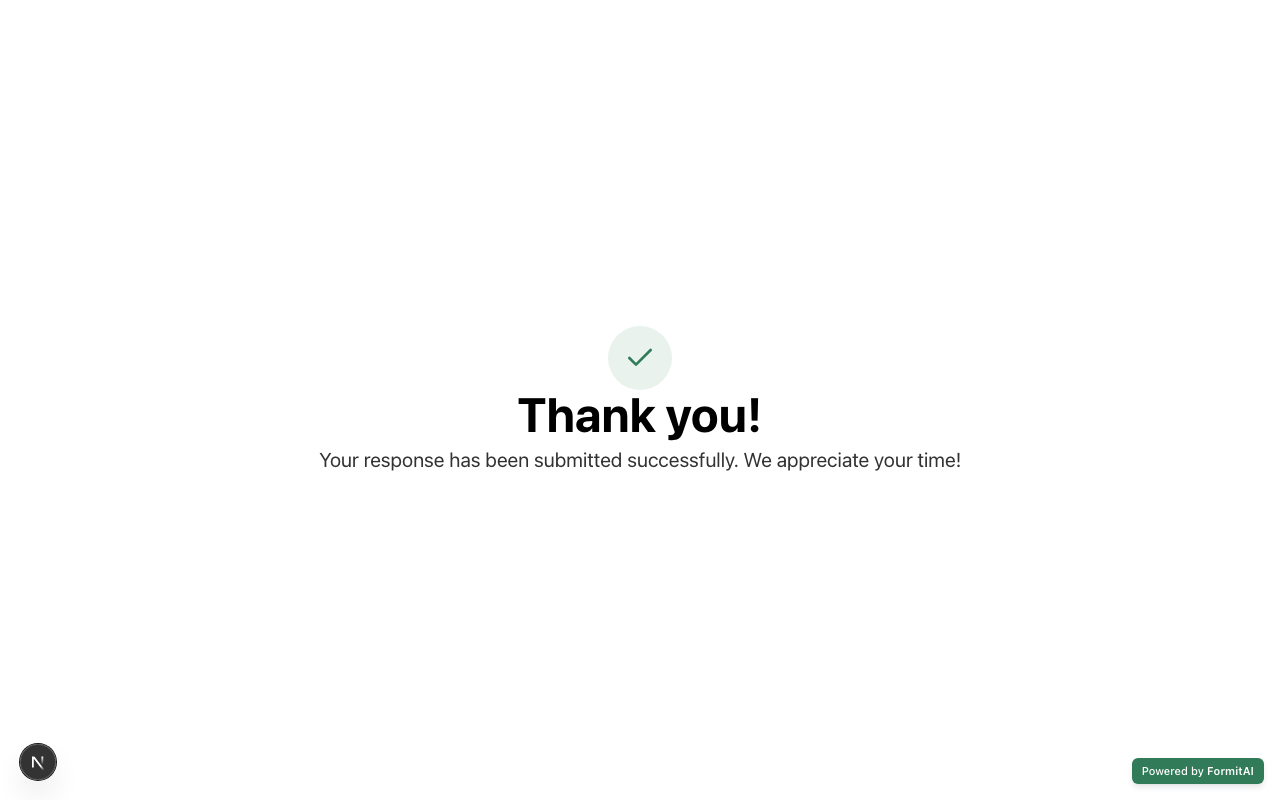
How the End Page field appears when someone fills out your published form.
Tips and best practices
- Use Logic or quiz outcomes to route to different End pages when endings should differ.
- Use after-submit redirect when the next step must be an external URL (plan-gated).
- Keep next-step instructions concrete (what happens now, who will contact them).
Frequently asked questions
- Can I have more than one End Page?
- Yes. Use logic or quiz outcomes to route respondents to different endings.
- What can I put on an End Page?
- Thank-you copy and optional media, configured in the builder properties panel.
- When should I use after-submit redirect instead?
- Use after-submit redirect when finishers need an external thank-you URL; use End Page for in-Formit thank-you experiences.
Try it in FormitAI
Open the builder, configure this in a real form, publish a version, and share a link or embed. Start free - paid features stay honest about plan gates in the product.
Open FormitAI