What is Date picker field?
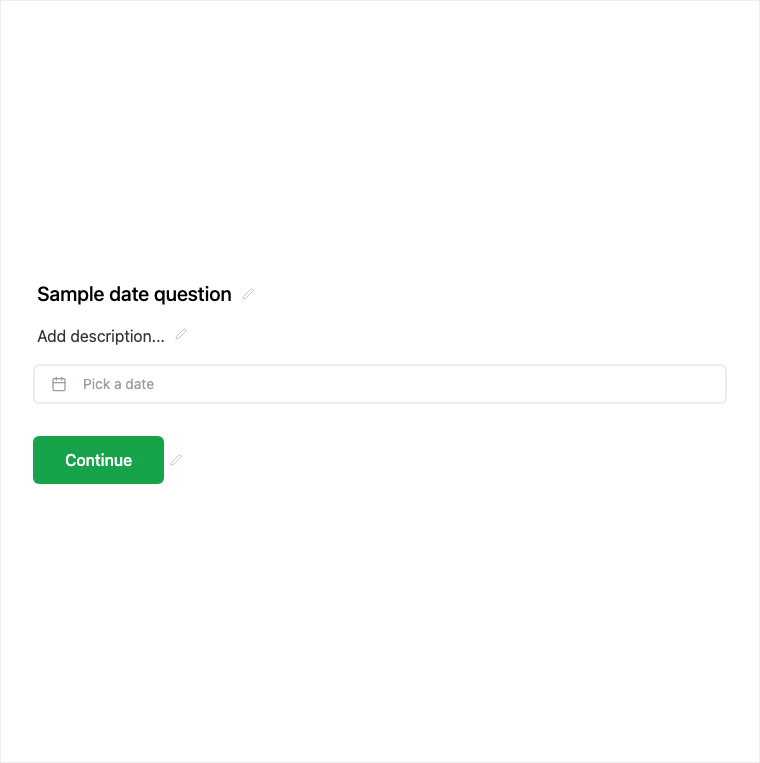
The Date field lets respondents pick a single date via a calendar control for appointments, deadlines, or birthdays. Add it from Add Block → Date in the Formit builder; the live form stores a timezone-agnostic date value. Use Schedule when you need booking slots, or Date Range when you need start and end.
How it works
- Add Block → Date on the form canvas.
- Configure the question copy and required state in the properties panel.
- Preview the calendar picker on the live form experience.
- Publish so single-date answers are collected with submissions.
Benefits
- Calendar picker UI reduces typed date format mistakes.
- Timezone-agnostic date value for consistent storage.
- Pairs well with Schedule when you need a day versus a booked slot.
Use cases
- Deadlines and due dates on applications.
- Date of birth or anniversary-style questions.
- Appointment days without a full booking widget.
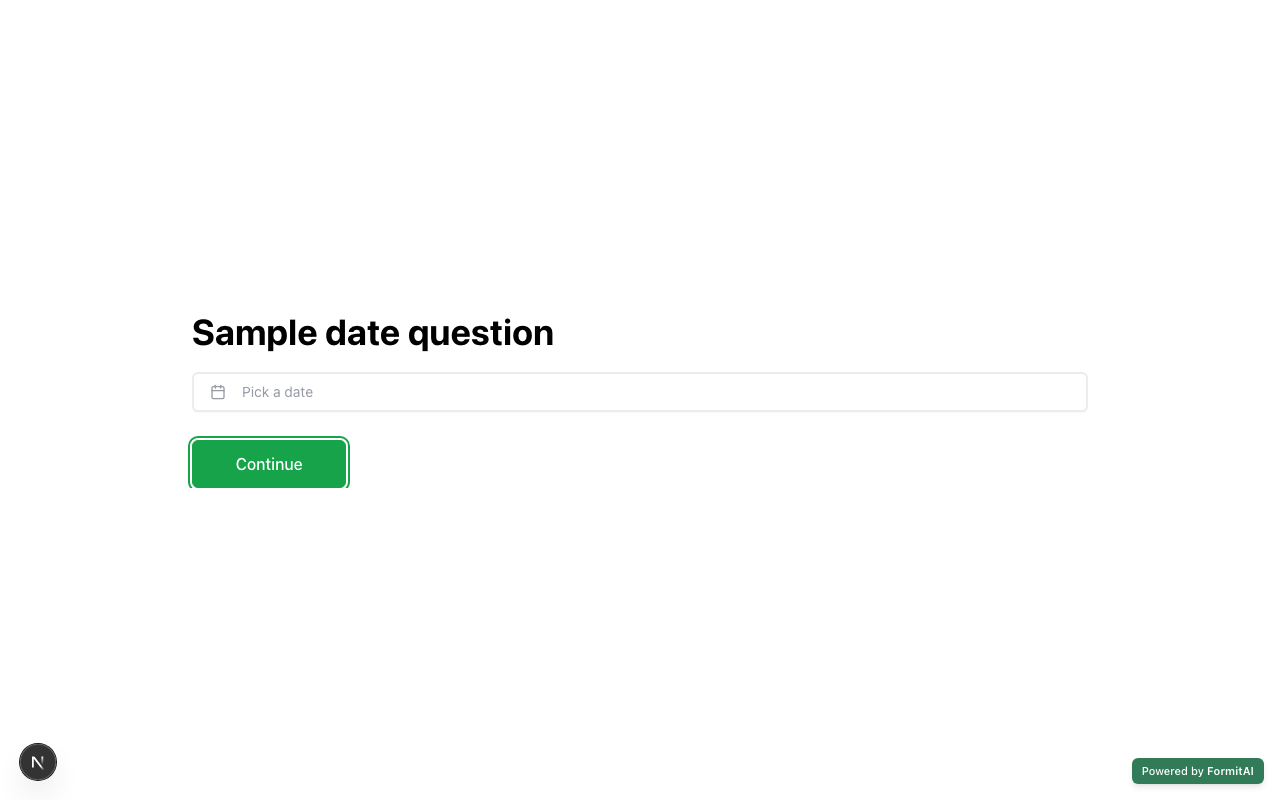
Respondent view
How the Date field appears when someone fills out your published form.
Tips and best practices
- Use Schedule (Calendly-connected) when respondents must book a specific slot.
- Use Date Range when you need both start and end dates.
- Keep the question clear about whether the date is preferred, required, or historical.
Frequently asked questions
- How do respondents enter a date?
- They pick from a calendar picker UI on the live form rather than typing a free-form string.
- Is the date tied to a timezone?
- The field stores a timezone-agnostic date value suited to deadlines and birthdays.
- When should I use Schedule instead of Date?
- Use Schedule when you need Calendly-connected booking slots; use Date when a single day without booking is enough.
Try it in FormitAI
Open the builder, configure this in a real form, publish a version, and share a link or embed. Start free - paid features stay honest about plan gates in the product.
Open FormitAI