What is Date range field?
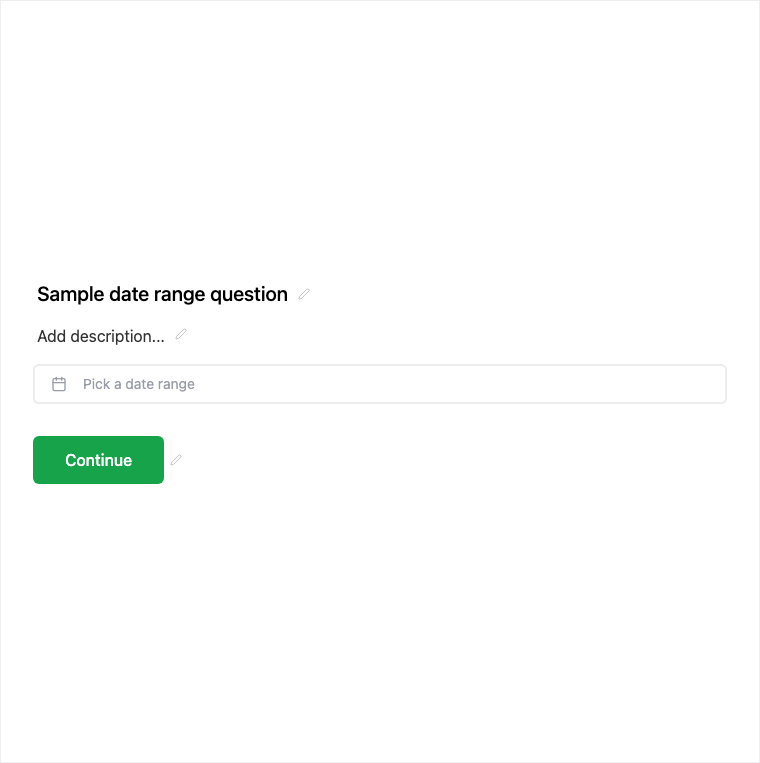
The Date Range field captures start and end dates for travel, availability, or project windows. Add it from Add Block → Date Range in the Formit builder; both values store for results and export. Respondent UX validates that the end date comes after the start.
How it works
- Add Block → Date Range on the canvas.
- Configure question copy and required behavior for the range.
- Preview to confirm start/end selection and end-after-start validation.
- Publish so travel or availability windows are collected on the live form.
Benefits
- Stores both start and end values for results and export.
- Validates end after start in the respondent experience.
- Two columns in expanded results for easy review.
Use cases
- Travel date windows on booking or visa-style intakes.
- Project or campaign date spans.
- Availability windows for staffing or event planning.
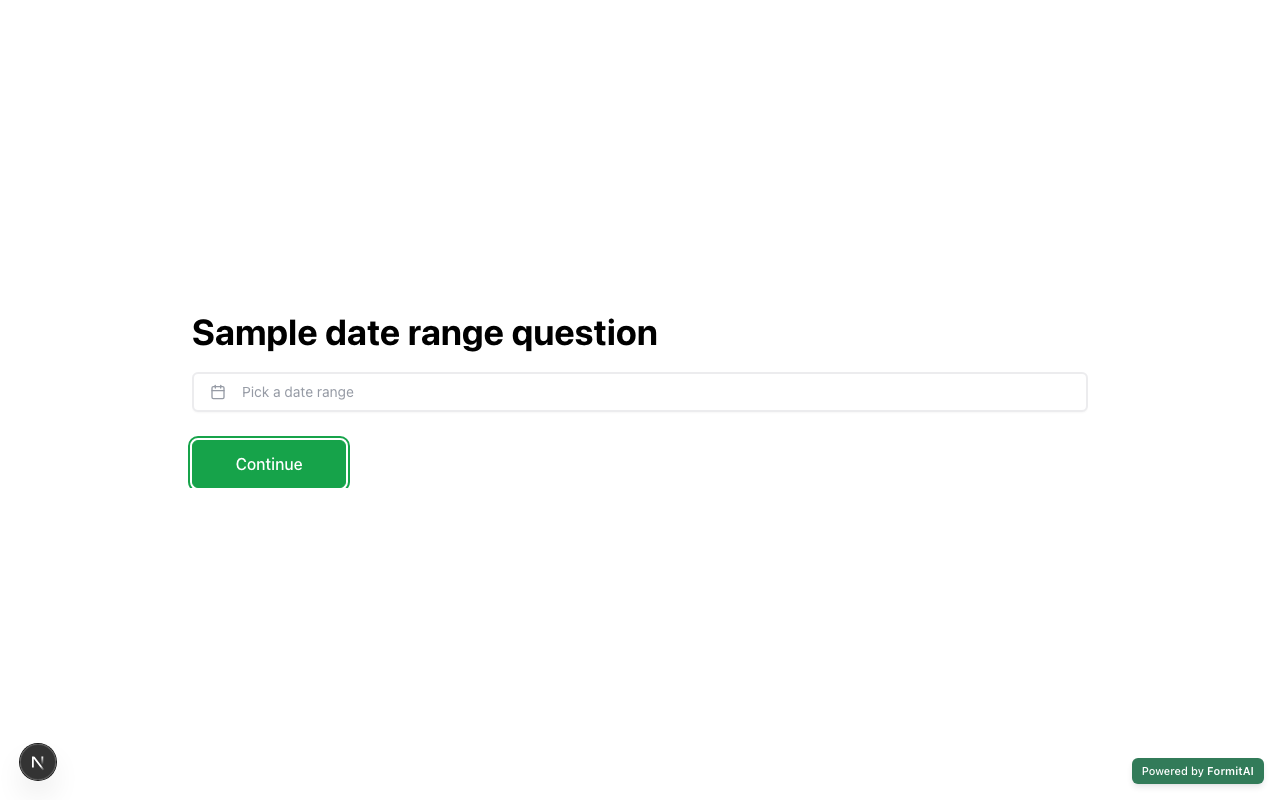
Respondent view
How the Date Range field appears when someone fills out your published form.
Tips and best practices
- Use a single Date field when you only need one day.
- Label start and end clearly in the question so respondents pick the right order.
- Review both columns in expanded results when exporting ranges.
Frequently asked questions
- What values does Date Range store?
- It stores start and end date values for results and export, often shown as two columns in expanded results.
- Can respondents pick an end date before the start?
- The respondent UX validates that the end date comes after the start.
- When should I use Date instead of Date Range?
- Use Date for a single day (deadline, DOB, appointment day). Use Date Range when you need a start and end window.
Try it in FormitAI
Open the builder, configure this in a real form, publish a version, and share a link or embed. Start free - paid features stay honest about plan gates in the product.
Open FormitAI