What is Matrix / grid question?
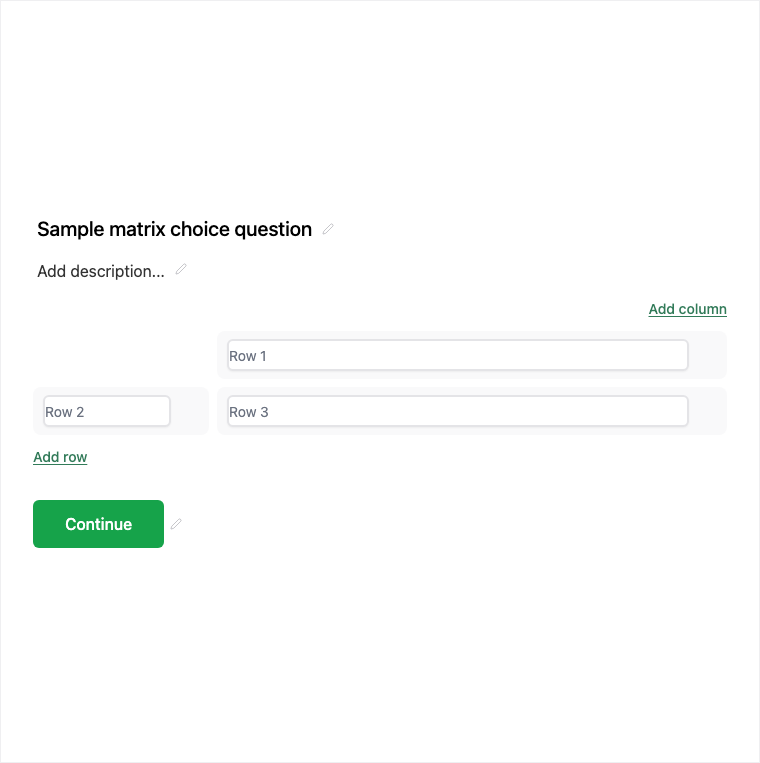
Matrix Choice collects one answer per row across shared columns - ideal for multi-criteria feedback without many separate questions. Add it from Add Block → Matrix Choice in the Formit builder, define rows and shared column choices, and keep dense ratings readable in one grid.
How it works
- Add Block → Matrix Choice on the canvas.
- Define rows (criteria) and shared column choices (for example satisfaction levels).
- Preview the grid on desktop and mobile for readability.
- Publish so multi-row ratings collect in one block.
Benefits
- Rows × columns keep multi-criteria feedback compact.
- One answer per row avoids sprawling duplicate questions.
- Dense feedback without adding many separate blocks.
Use cases
- Features × satisfaction rating grids.
- Multi-row agreement or frequency matrices.
- Compact survey sections with shared scale columns.
Respondent view
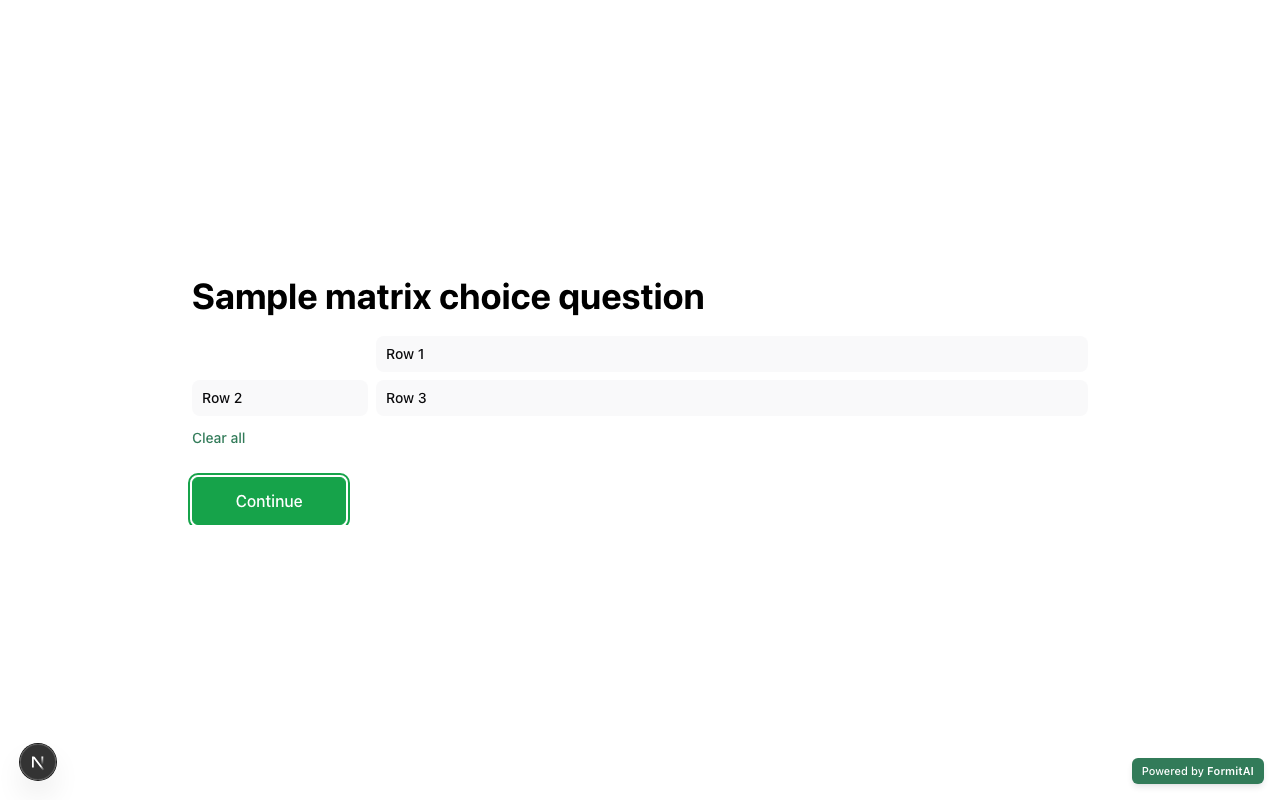
How the Matrix Choice field appears when someone fills out your published form.
Tips and best practices
- Keep row and column labels short so the grid stays scannable.
- Test on mobile - wide matrices can feel cramped on small screens.
- Prefer separate Scale or Star Rating questions if each criterion needs different scales.
Frequently asked questions
- How many answers does each row allow?
- Matrix Choice collects one answer per row across the shared columns.
- What do I configure in the builder?
- Define the rows and the shared column choices in the properties panel after Add Block → Matrix Choice.
- When should I use a matrix?
- Use it for multi-row ratings (for example features × satisfaction) without creating many separate questions.
Try it in FormitAI
Open the builder, configure this in a real form, publish a version, and share a link or embed. Start free - paid features stay honest about plan gates in the product.
Open FormitAI