What is Numeric scale field?
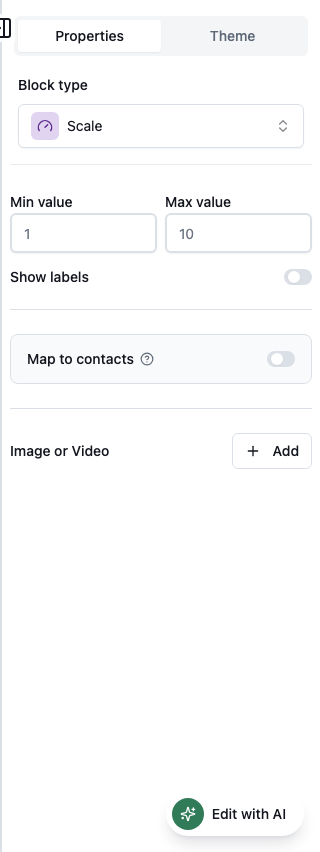
The Scale field captures opinion scores such as NPS-style 0–10 or agreement scales. In the Formit builder, add it from Add Block → Scale and configure the min/max range plus endpoint labels in the properties panel. Pair it with AI follow-ups or survey form types when low scores need clarification.
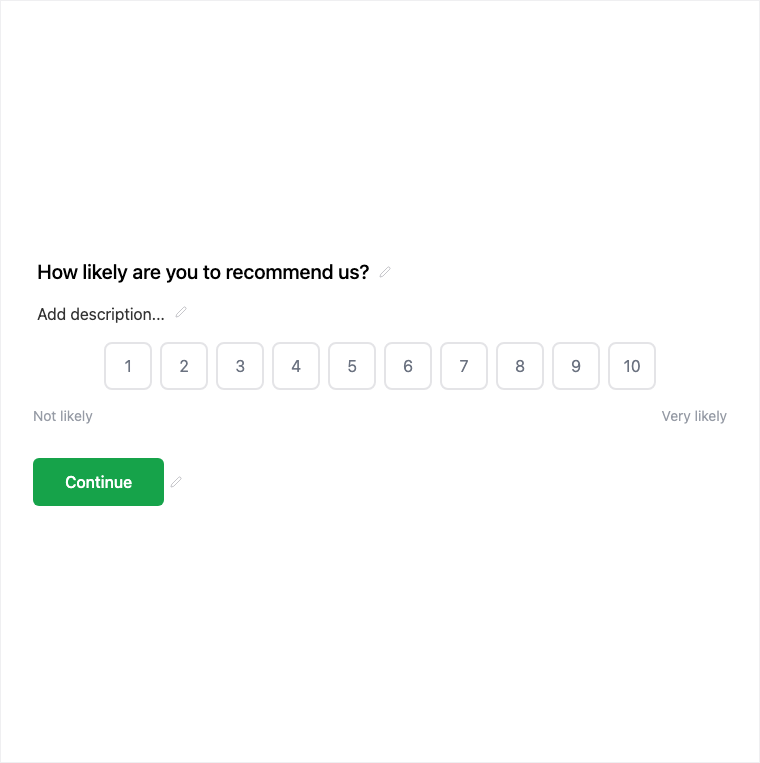
How it works
- Add Block → Scale on the canvas.
- Configure the numeric range and label the endpoints for NPS or agreement wording.
- Preview the scale UX and any follow-up rules you attach.
- Publish so satisfaction or likelihood scores collect on the live form.
Benefits
- Configurable range for NPS, CSAT-style, and agreement scales.
- Endpoint labels make the scale meaning clear to respondents.
- NPS-ready when set to a 0–10 range.
Use cases
- NPS and likelihood-to-recommend questions.
- CSAT-style satisfaction scoring.
- Agreement or intensity scales on surveys.
Properties panel
Block-specific settings for Scale in the builder properties panel.
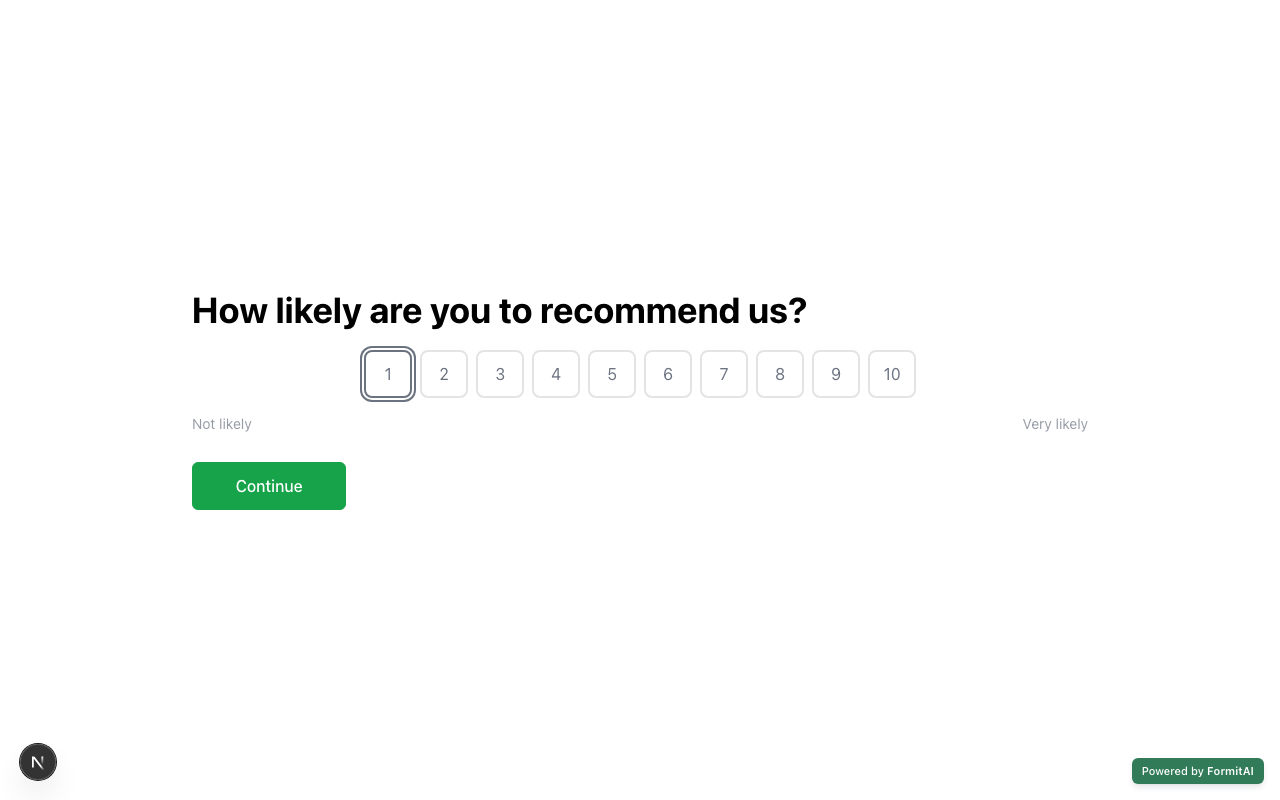
Respondent view
How the Scale field appears when someone fills out your published form.
Tips and best practices
- Label both endpoints so respondents know what low and high mean.
- Use 0–10 when you intend classic NPS-style scoring.
- Consider AI follow-up on low scores for richer qualitative context.
Frequently asked questions
- Can Scale be used for NPS?
- Yes. Configure a 0–10 range and label the endpoints for NPS-style wording.
- What do I configure on a Scale field?
- Typical controls include a configurable range and endpoint labels for clarity.
- How is Scale different from Star Rating?
- Scale is a numeric opinion range (for example 0–10); Star Rating collects a five-star style satisfaction score.
Try it in FormitAI
Open the builder, configure this in a real form, publish a version, and share a link or embed. Start free - paid features stay honest about plan gates in the product.
Open FormitAI