What is Number field for forms?
The Number field captures quantities, scores, ages, and other numeric answers as typed numbers. Add it from Add Block → Number in the Formit builder, then pair it with logic or quiz scoring when thresholds matter. Values export as numbers in CSV for calculation-friendly results.
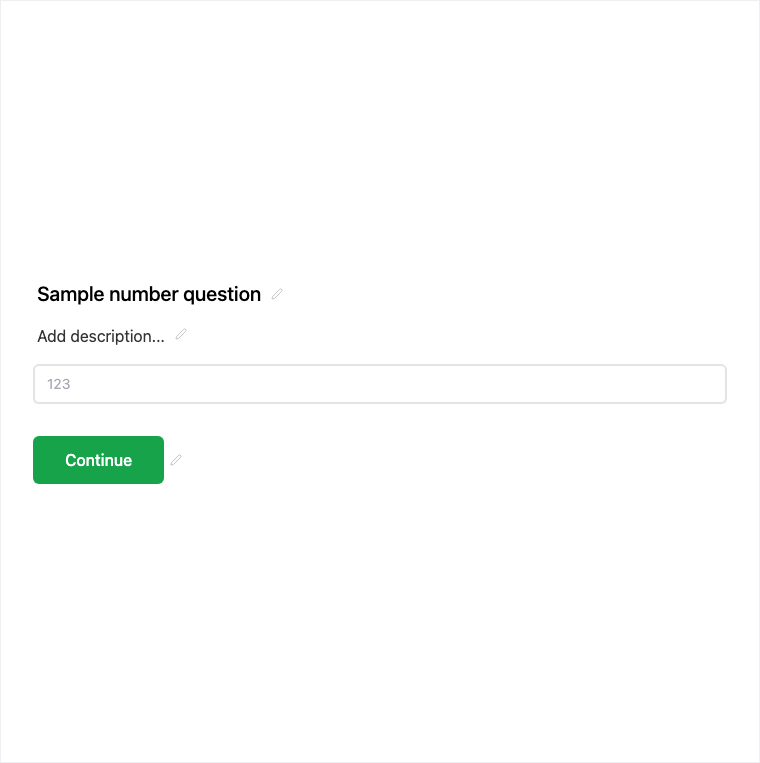
How it works
- Add Block → Number on the canvas.
- Configure the numeric entry and any help text for units or expected ranges.
- Preview, and wire logic thresholds if branching depends on the value.
- Publish so numeric answers are collected on the live form.
Benefits
- Numeric entry suited to quantities, budgets, headcount, and ages.
- Works with logic thresholds when branching depends on a number.
- Exports as a number in CSV for downstream calculation.
Use cases
- Budget, headcount, or quantity questions on applications.
- Ages or counts that feed logic rules.
- Scores you will calculate or chart in results.
Tips and best practices
- Use Scale or Slider when a visual range is clearer than typing.
- Pair with logic when thresholds should skip or show later questions.
- Clarify units (currency, people, years) in the question or help text.
Frequently asked questions
- How do Number answers appear in export?
- They export as a number in CSV so you can calculate and chart them.
- Can I use Number with logic?
- Yes. Pair Number with logic thresholds when branching depends on the numeric answer.
- When should I use Slider instead of Number?
- Use Slider when an approximate value feels better as a drag control; Number is better for precise typed values.
Try it in FormitAI
Open the builder, configure this in a real form, publish a version, and share a link or embed. Start free - paid features stay honest about plan gates in the product.
Open FormitAI