What is Welcome screen for forms?
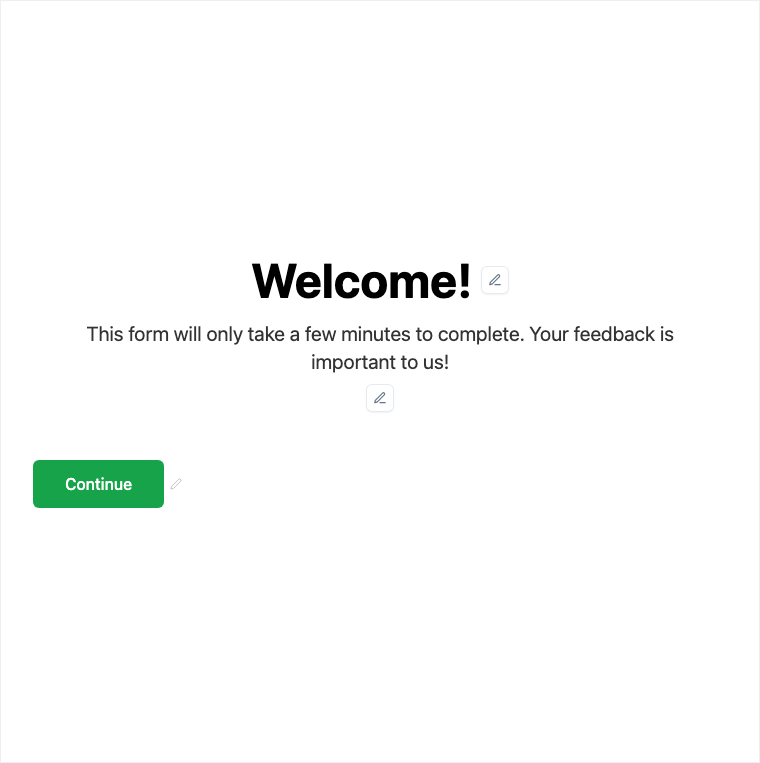
The Welcome Screen opens the form with a branded intro before the first question. Every Formit form can open with a Welcome Screen - edit title, media, and start CTA in the builder properties. Pair it with custom branding and themes so the start of the experience matches your brand.
How it works
- Open the form’s Welcome Screen in the builder (every form can open with one).
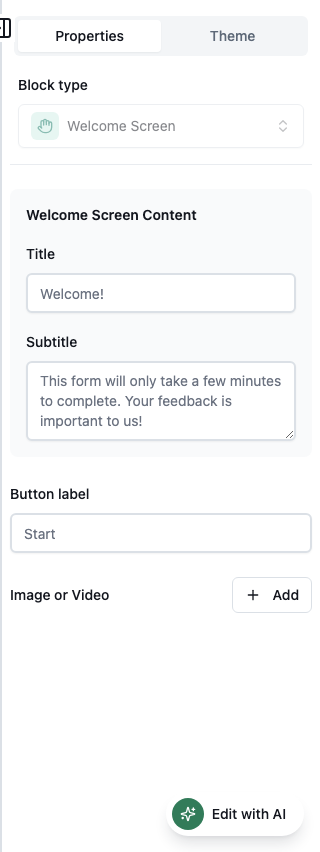
- Edit title, description, media, and the start CTA in properties.
- Preview the intro experience before Q1.
- Publish so respondents see the branded welcome on the live form.
Benefits
- Title, description, and media set expectations before Q1.
- Start CTA controls how respondents begin.
- Sets tone and brand at the opening of the form.
Use cases
- Set expectations and time-to-complete before questions begin.
- Brand the start of surveys, applications, and quizzes.
- Explain purpose before a long multi-page form.
Properties panel
Block-specific settings for Welcome Screen in the builder properties panel.
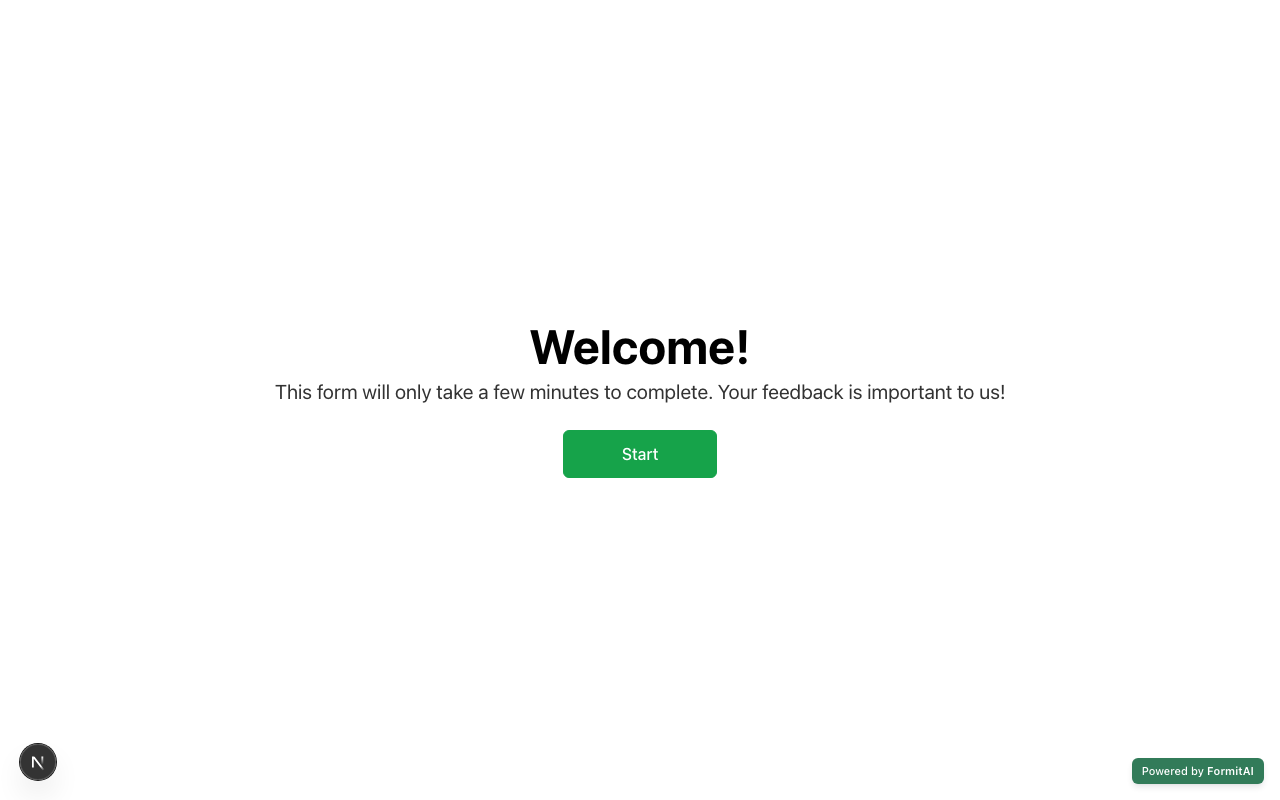
Respondent view
How the Welcome Screen field appears when someone fills out your published form.
Tips and best practices
- Keep welcome copy short - respondents want to start quickly.
- Apply brand kits/themes so welcome media and colors match the rest of the form.
- Pair with an End Page for a complete bookend experience.
Frequently asked questions
- Does every form have a Welcome Screen?
- Every form can open with a Welcome Screen - edit title, media, and start CTA in the builder.
- What can I configure on Welcome Screen?
- Typical controls include title, description, media, and the start CTA that sets tone before Q1.
- How do I brand the welcome?
- Edit welcome content in the builder and apply custom branding/themes so colors and fonts match your brand.
Try it in FormitAI
Open the builder, configure this in a real form, publish a version, and share a link or embed. Start free - paid features stay honest about plan gates in the product.
Open FormitAI