What is Custom branding and themes?
Brand kits and themes keep every published form visually aligned with your company. Configure colors, typography, and presentation once, apply them to forms, and - on paid organizations - remove Formit branding from the respondent experience.
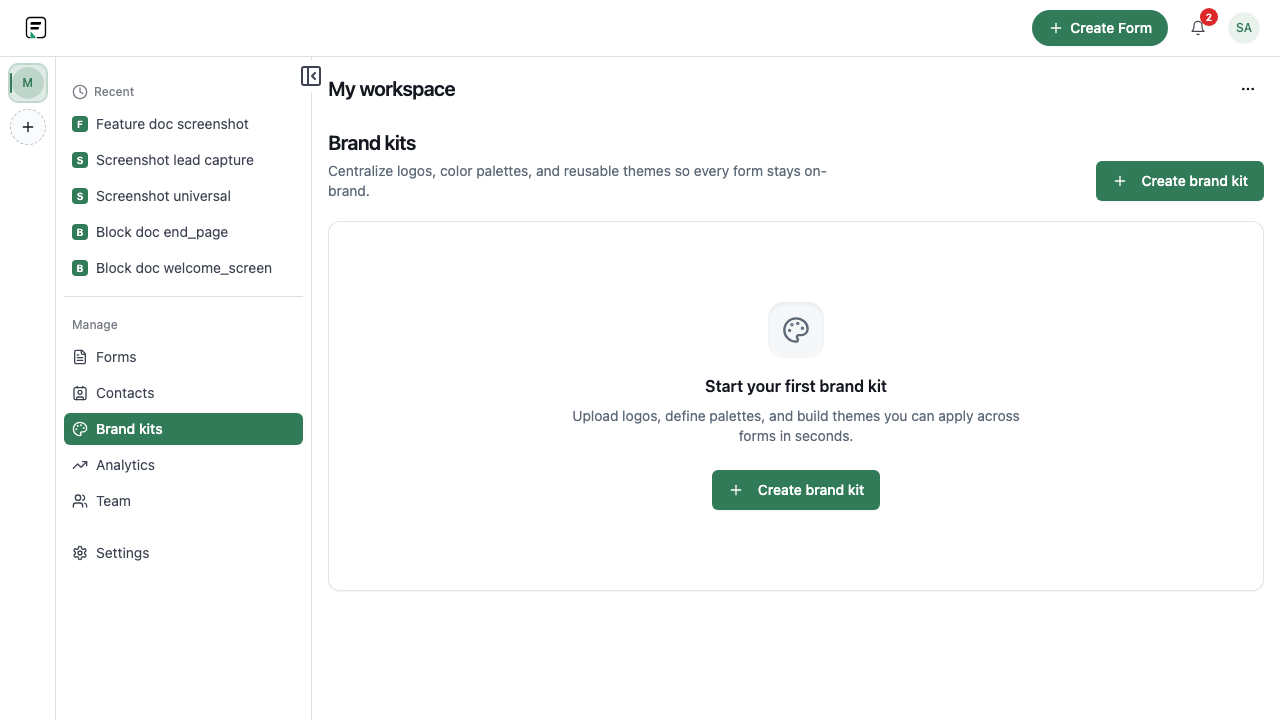
How it works
- Create or open a brand kit for the organization or workspace context you use.
- Define theme settings such as colors and typography; add custom fonts when your plan allows.
- Apply the brand kit or theme to the form in the builder.
- Preview the respondent view to confirm contrast, hierarchy, and media.
- On a paid organization, enable removal of Formit branding where available.
- Publish so the branded version is what respondents see.
Key capabilities
Brand kits
Store reusable brand assets and settings you can apply across forms.
Themes
Control the visual presentation of the live form so it matches your site or product.
Custom fonts (eligible plans)
Use custom fonts when your plan includes them for a closer brand match.
Remove Formit branding (paid orgs)
Paid organizations can remove Formit branding from the respondent-facing experience.
Benefits
- Consistent look across surveys, lead forms, and client-facing intake.
- Faster launches: reuse a brand kit instead of restyling every form.
- Stronger trust when forms feel native to your product or site.
- White-label presentation on paid organizations by removing Formit branding.
Use cases
- Agency client portals that need each form to match the client brand.
- SaaS in-product feedback that should feel like part of the app.
- Marketing campaigns where the form must match landing page styling.
Example workflow
A design team creates a brand kit with primary colors and an eligible custom font, applies a theme to their NPS form, turns off Formit branding on their paid org, previews on mobile, and publishes. The same kit is reused for a webinar registration form the following week.
Tips and best practices
- Check contrast on primary buttons and text before publishing.
- Reuse one brand kit across related forms so campaigns stay visually consistent.
- Confirm font licensing and plan eligibility before relying on a custom typeface in production.
Limitations and plan notes
- Custom fonts are available on eligible plans only.
- Removing Formit branding requires a paid organization.
- Brand kit and theme limits can vary by plan - upgrade if you hit those caps.
Frequently asked questions
- What is a brand kit?
- A reusable set of brand settings you apply to forms so colors and related presentation stay consistent.
- Can I use custom fonts?
- Yes, on eligible plans. Check your plan details if custom fonts are required for go-live.
- How do I remove Formit branding?
- Paid organizations can remove Formit branding from respondent-facing forms where the product allows.
Try it in FormitAI
Open the builder, configure this in a real form, publish a version, and share a link or embed. Start free - paid features stay honest about plan gates in the product.
Open FormitAI