What is Webhooks?
Webhooks let your stack react to Formit lifecycle events without polling Results. Configure endpoints per workspace, choose event types, verify signatures, and inspect delivery status in the product. Completed and partial submissions enqueue form.submission.created or form.submission.partial for subscribed endpoints.
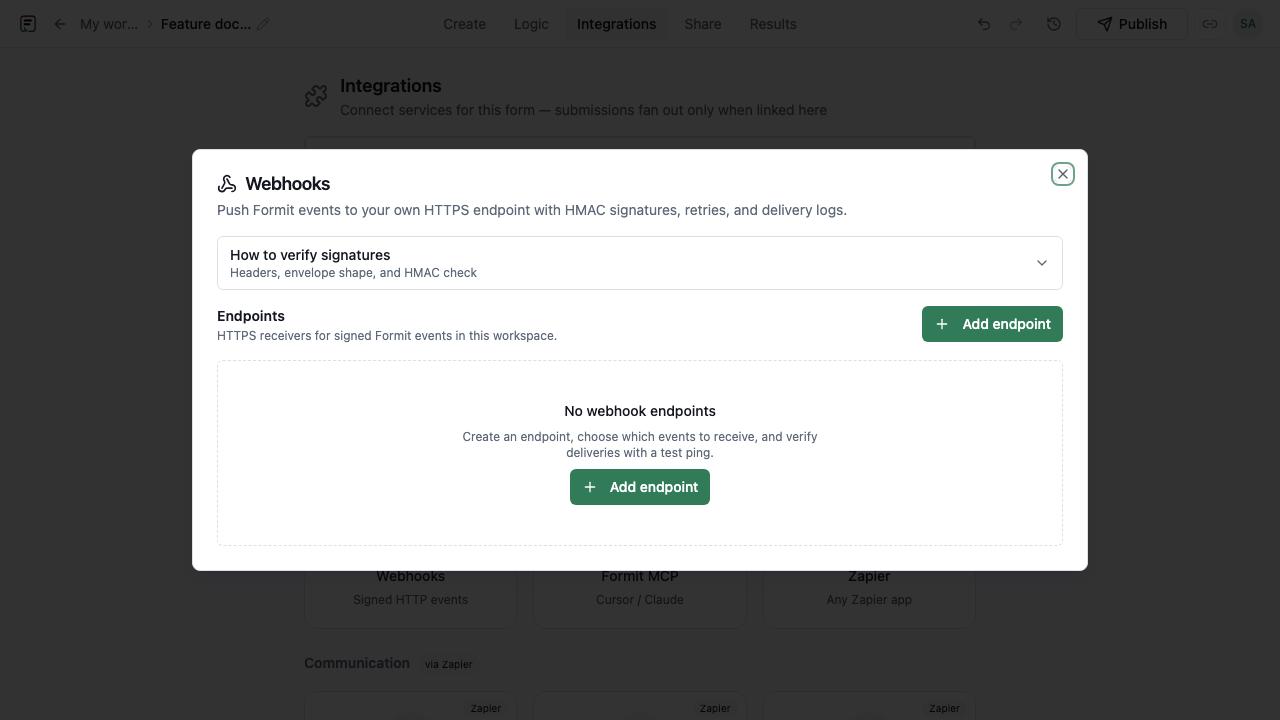
How it works
- Open Integrations → Webhooks in the form builder or workspace settings.
- Add an HTTPS endpoint URL and select event types (for example form.submission.created).
- Copy the signing secret when shown and store it on your receiver.
- Send a test event to confirm your handler verifies signatures and returns 2xx.
- Publish forms and monitor the delivery log for production traffic.
Key capabilities
Submission events
form.submission.created fires on completed submits; form.submission.partial fires when partial responses are collected.
Form lifecycle events
Includes form.published, form.created, form.deleted, and related workspace events.
Signed deliveries
HMAC-SHA256 signatures and timestamps when a signing secret is configured.
Delivery log and retries
Inspect pending, succeeded, and failed attempts; deliveries are queued with retries.
Limitations and plan notes
- Your receiver must be HTTPS and return success responses for retries to stop.
- Webhook throughput and retention follow product limits - use Slack/Sheets/Zapier for no-code routing when that is simpler.
Try it in FormitAI
Open the builder, configure this in a real form, publish a version, and share a link or embed. Start free - paid features stay honest about plan gates in the product.
Open FormitAI