Published August 8, 2026 · NPS, customer feedback, surveys

Structure the core NPS question clearly
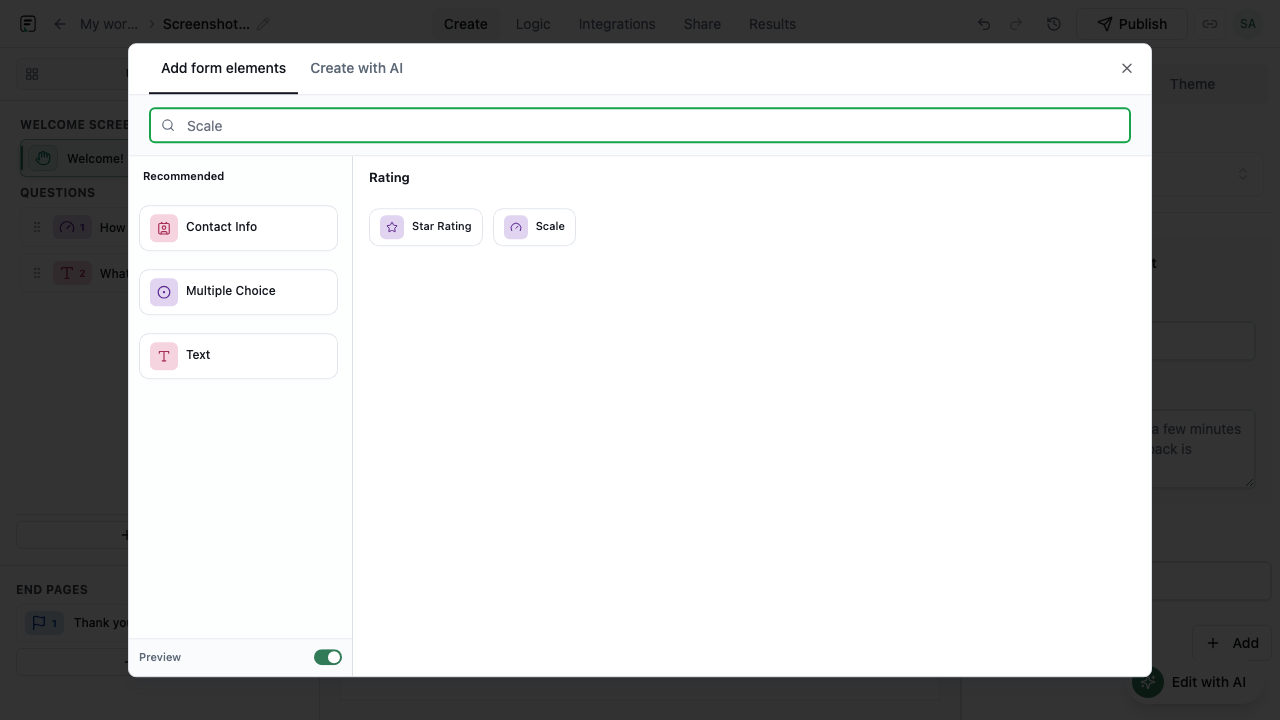
The standard NPS prompt asks how likely someone is to recommend your product or service, answered on a 0–10 Scale. In Formit, use a Scale block with labels at the low and high ends (“Not at all likely” / “Extremely likely”). Keep the question single-focus - do not bundle satisfaction and recommendation in one sentence. A Statement block above can set context (“About your recent support experience”) so scores stay comparable week over week.
Ask why while the score is fresh
Follow the rating immediately with a Long Text question: “What is the primary reason for your score?” Detractors, passives, and promoters often need different follow-up in ops, but the open prompt should stay neutral in the form. Optionally enable AI follow-ups on the Scale field so low scores trigger an in-form clarifying probe before submit - richer context without a second survey send.
- Rating first, open text second - minimize drop-off between them
- Keep open prompts short; one sentence beats a paragraph
- AI follow-ups on low scores add depth within rate limits
Use logic to tailor the path without bloating the survey
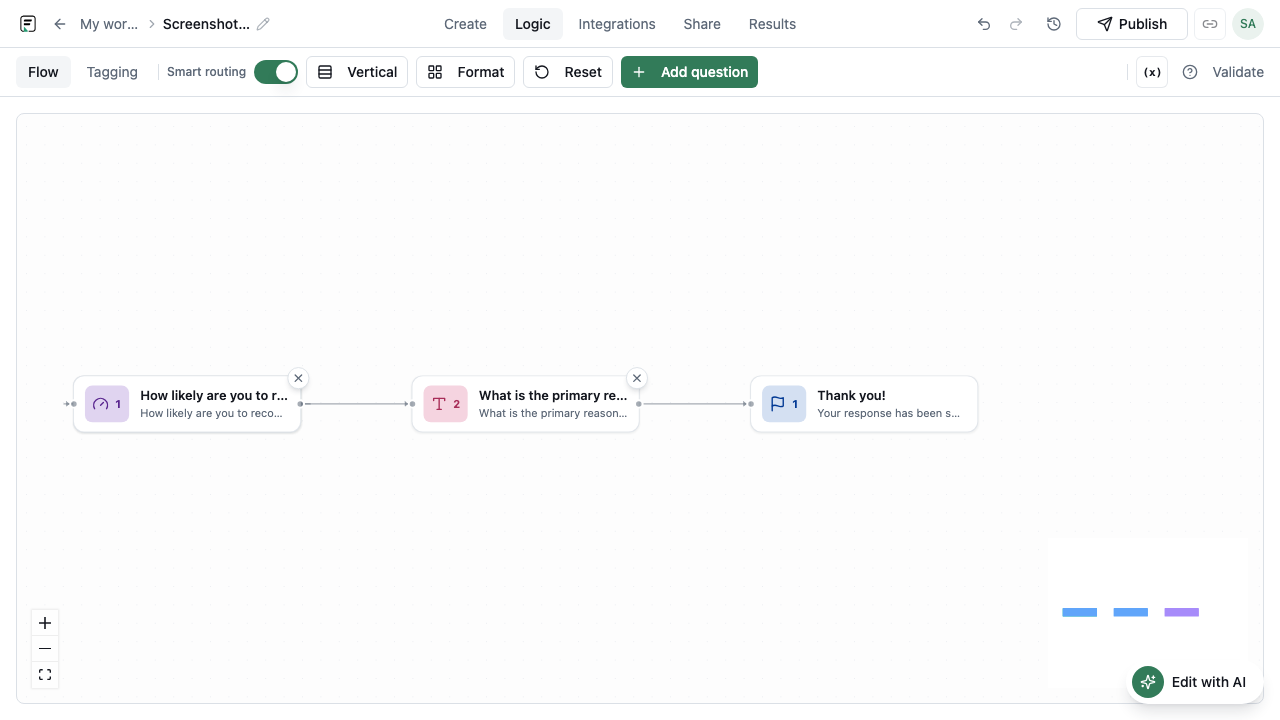
Conditional logic can show an extra question to detractors (scores 0–6) versus promoters (9–10) - for example, “What would we need to fix?” vs “What do you value most?” Formit’s logic panel supports show, skip, and jump rules with cycle detection. Keep branches short; every extra screen lowers completion on embedded pulses.
Keep surveys short and mobile-friendly
NPS pulses work best as three to five questions total: context statement, core score, reason, optional contact permission. Preview on mobile before publish - many feedback links open from email on phones. Use page breaks sparingly; a single scrolling flow often completes faster than artificial “pages” for one metric.
Publish, measure, and close the loop
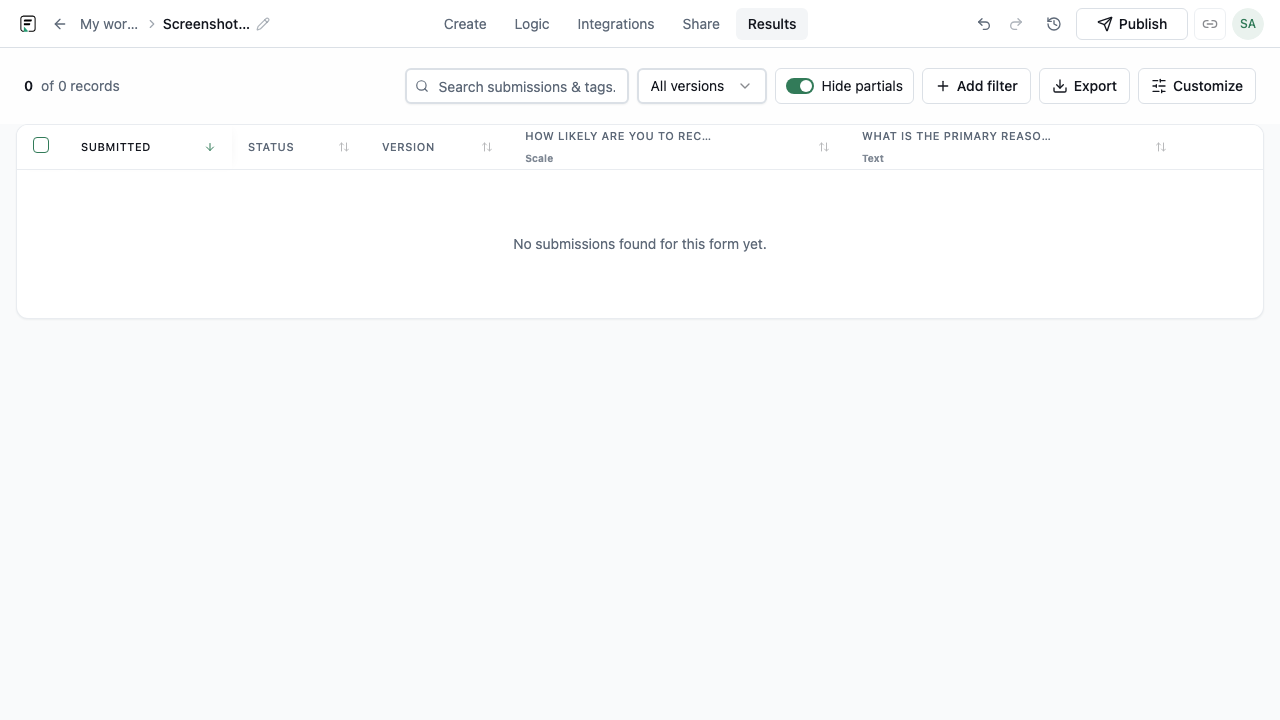
Publish a version, then distribute via link, email embed, or inline site embed. Analytics shows views, starts, and completes so you can spot drop-off. Export Results to CSV or sync to Google Sheets for trending; route urgent detractor alerts to Slack. Formit stores submissions against the published version - when you adjust wording, republish and note the version change when comparing scores over time.
Frequently asked questions
- Does Formit calculate NPS automatically?
- Formit captures Scale responses and exports them in Results. You classify promoters, passives, and detractors and compute NPS (% promoters minus % detractors) in Sheets or your analytics stack - or track trends directly from exported scores.
- Which field types work for NPS-style surveys?
- Use Scale for the 0–10 recommendation question, Long Text for open reasons, and optionally Star for secondary satisfaction metrics. Survey and feedback form type docs cover CSAT and research patterns alongside NPS-style flows.
- Can AI follow-ups run on NPS score questions?
- Yes. Enable AI follow-ups on the Scale block so low or ambiguous scores trigger contextual probes during the fill. Follow-ups are rate-limited and separate from after-submit Slack or email alerts.
Build your next form in FormitAI
Start free with templates, AI generation, or a blank canvas - then publish and embed where your audience already is.
Try FormitAI free