What is Email field for forms?
The Email field validates email addresses so you can follow up, invite respondents, and sync Contacts. In the Formit builder it lives under Add Block → Email; mark it required when CRM sync or invite flows depend on a stable identity key. Format validation runs on the live form before submit.
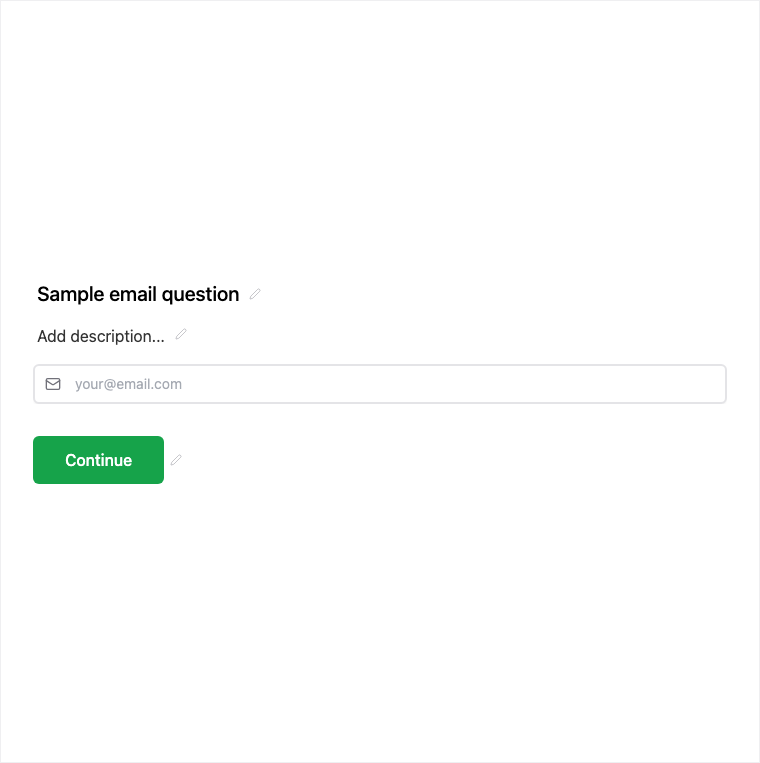
How it works
- Add Block → Email on the canvas.
- Mark the field required if you need Contacts sync or reliable follow-up, and adjust help text as needed.
- Preview to confirm format validation behaves as expected.
- Publish so the email question is live on your public link or embed.
Benefits
- Built-in format validation reduces bad addresses at the source.
- Common Contacts identity key for CRM sync workflows.
- Required recommended when follow-up or invite flows depend on email.
Use cases
- Lead capture and newsletter signup forms.
- Any flow that needs magic links, invites, or Contacts sync.
- Support or feedback forms where you must reply to the respondent.
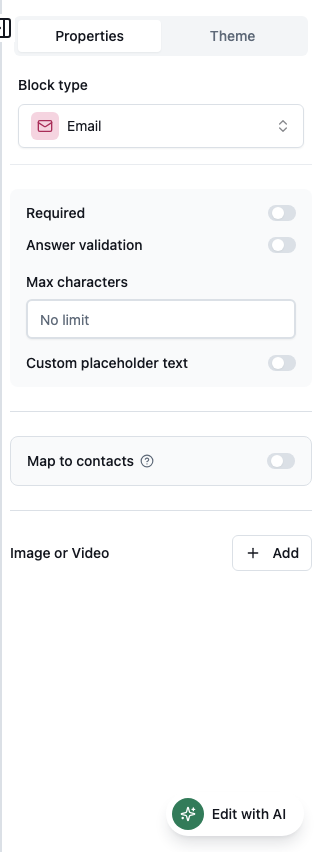
Properties panel
Block-specific settings for Email in the builder properties panel.
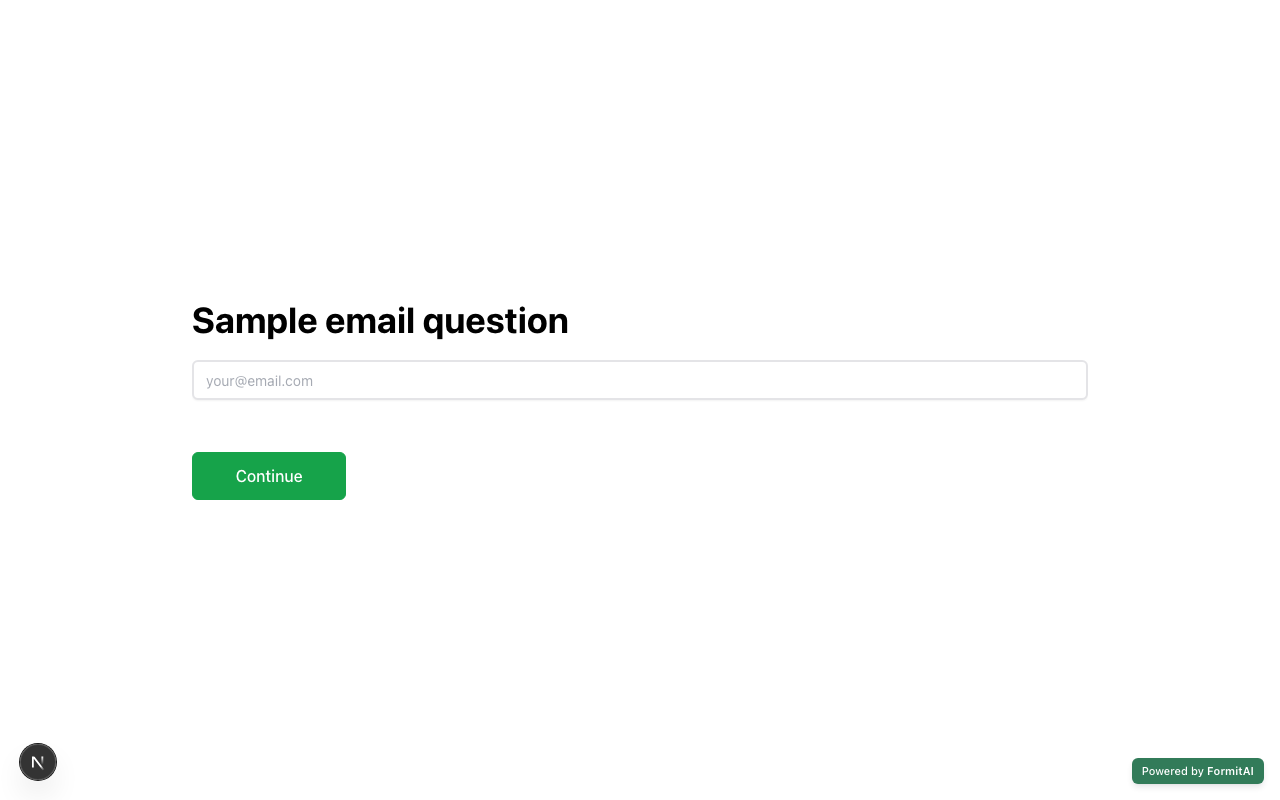
Respondent view
How the Email field appears when someone fills out your published form.
Tips and best practices
- Prefer a dedicated Email field (or Contact Info with email enabled) when syncing Contacts.
- Mark required for CRM sync and invite flows.
- Pair with Legal for marketing opt-in consent when needed.
Frequently asked questions
- Does the Email field validate format?
- Yes. The field uses format validation so respondents enter a usable email address before submit.
- Why is Email recommended for Contacts?
- Email is a common Contacts identity key. Marking it required helps CRM sync and invite flows stay reliable.
- Can I use Contact Info instead of a standalone Email field?
- Yes. Contact Info can enable email as a sub-field; use a standalone Email field when you only need the address.
Try it in FormitAI
Open the builder, configure this in a real form, publish a version, and share a link or embed. Start free - paid features stay honest about plan gates in the product.
Open FormitAI