What is File upload field?
File Upload accepts documents, images, and other files from respondents. Add it from Add Block → File Upload in the Formit builder, configure accepted types, and review or download files from results. Publishing may require a higher plan.
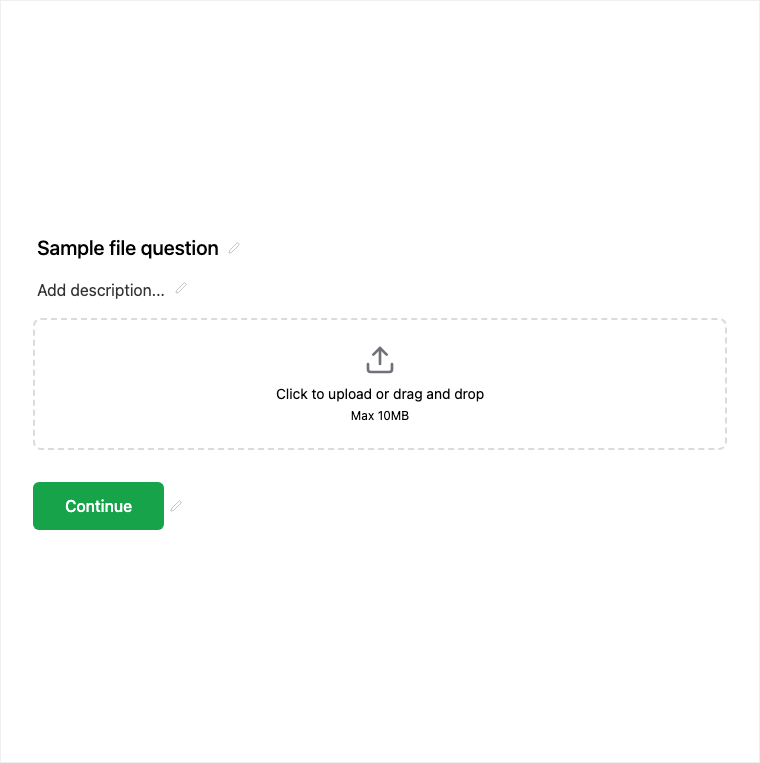
How it works
- Add Block → File Upload on the canvas.
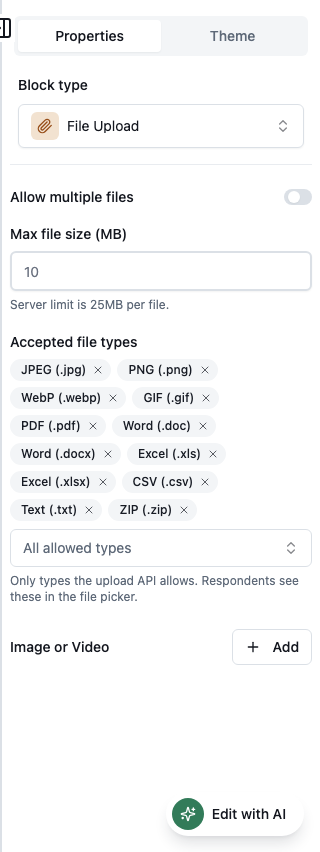
- Configure accepted file types in the properties panel.
- Preview the upload experience on desktop and mobile.
- Publish on an eligible plan and verify files appear with submissions in Results.
Benefits
- Accepted file types keep uploads scoped to what you need.
- Files stored with the submission for review.
- Download from results when evaluating applications or briefs.
Use cases
- Resume and portfolio uploads on applications.
- ID or supporting document collection.
- Creative briefs and design asset intake.
Properties panel
Block-specific settings for File Upload in the builder properties panel.
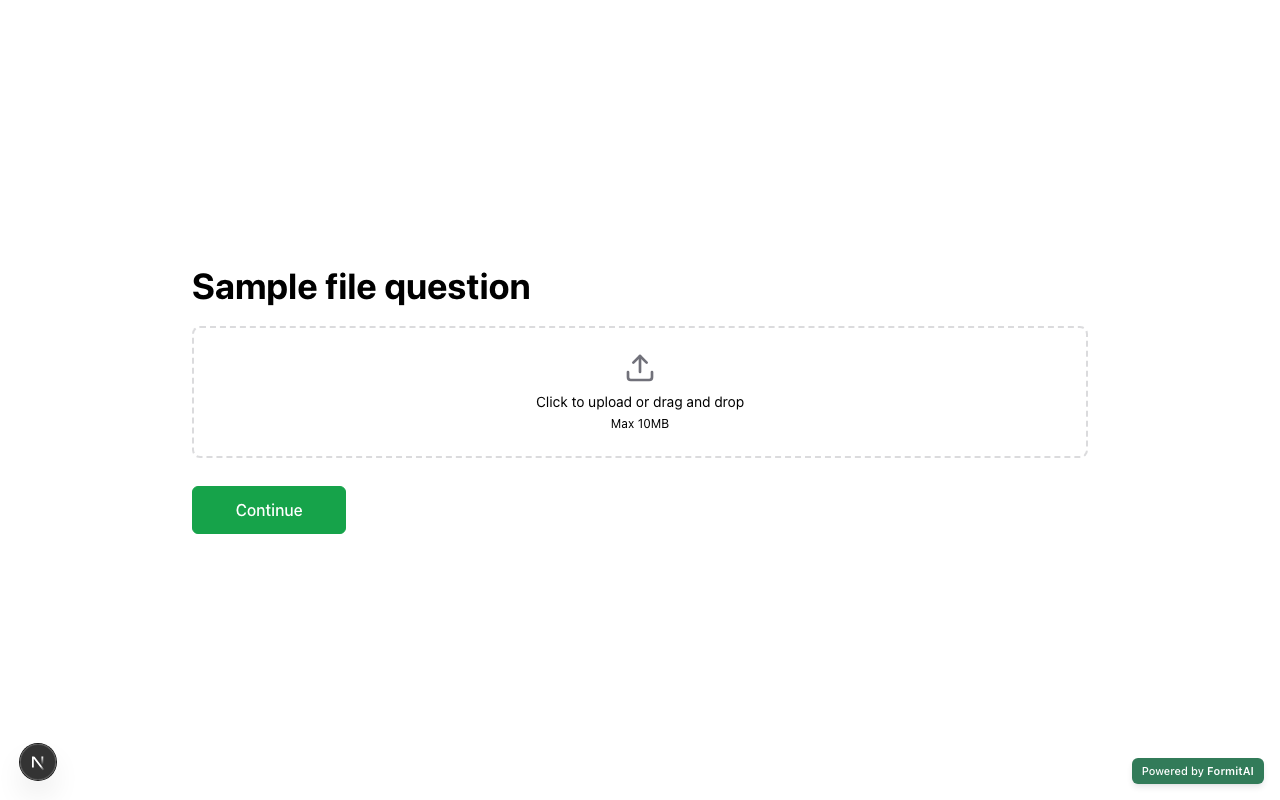
Respondent view
How the File Upload field appears when someone fills out your published form.
Tips and best practices
- List accepted types clearly in help text for respondents.
- Confirm plan eligibility before publishing forms that require uploads.
- Pair with Contact Info so files attach to an identifiable respondent.
Limitations and plan notes
- File Upload publishing may require a higher (paid) plan.
- Storage and review happen with the submission - plan capacity and ops process accordingly.
Frequently asked questions
- Can I limit which file types are accepted?
- Yes. Configure accepted file types in the builder properties panel.
- Where do uploaded files go?
- Files are stored with the submission and can be reviewed or downloaded from results.
- Is File Upload plan-gated?
- Yes. Publishing forms with File Upload may require a higher plan.
Try it in FormitAI
Open the builder, configure this in a real form, publish a version, and share a link or embed. Start free - paid features stay honest about plan gates in the product.
Open FormitAI