What is Statement / content block?
Statement shows instructional text without collecting an answer - section intros, legal blurbs, or guidance between questions. Add it from Add Block → Statement in the Formit builder and write markdown-friendly instructional copy. It supports sectioning and is not counted as a question skip.
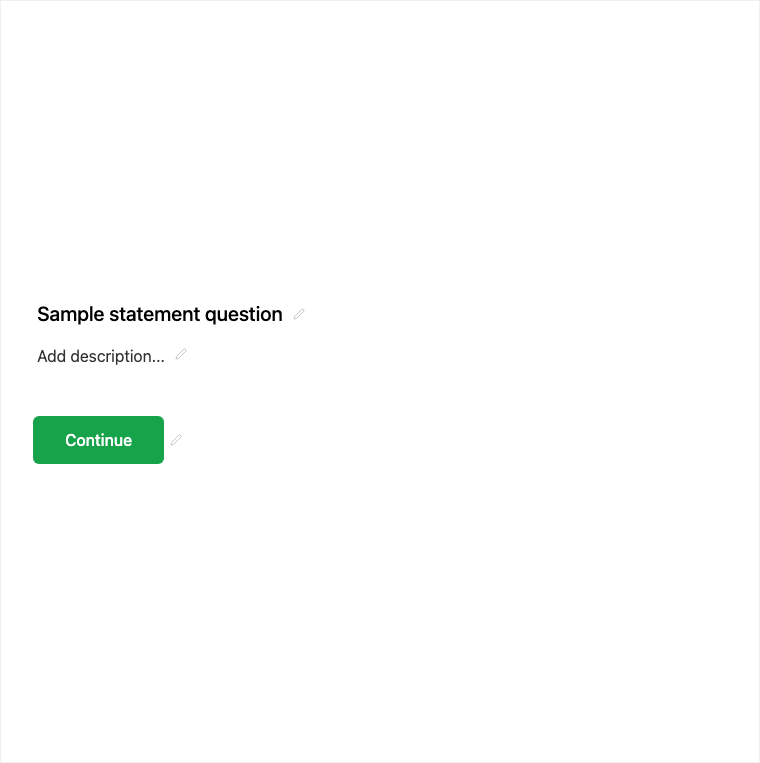
How it works
- Add Block → Statement where you need instructions or a section intro.
- Write markdown-friendly instructional copy in the properties panel.
- Preview that no answer control appears for respondents.
- Publish so guidance appears in the live flow without collecting a response.
Benefits
- No answer stored - pure instructional content.
- Supports sectioning between question groups.
- Not counted as a question skip in analytics-oriented views.
Use cases
- Section intros before a new topic.
- Instructions or disclaimers that need no checkbox.
- Legal blurbs that are informational rather than consent (use Legal for required consent).
Tips and best practices
- Use Legal when respondents must accept terms before submit.
- Keep statements short so they do not feel like walls of text.
- Place statements before the questions they explain.
Frequently asked questions
- Does Statement collect an answer?
- No. Statement shows instructional text without collecting an answer.
- Can I use markdown in Statement?
- Yes. Write markdown-friendly instructional copy in the builder properties panel.
- Is Statement counted as a question skip?
- No. It supports sectioning and is not counted as a question skip.
Try it in FormitAI
Open the builder, configure this in a real form, publish a version, and share a link or embed. Start free - paid features stay honest about plan gates in the product.
Open FormitAI