What is Long text / paragraph field?
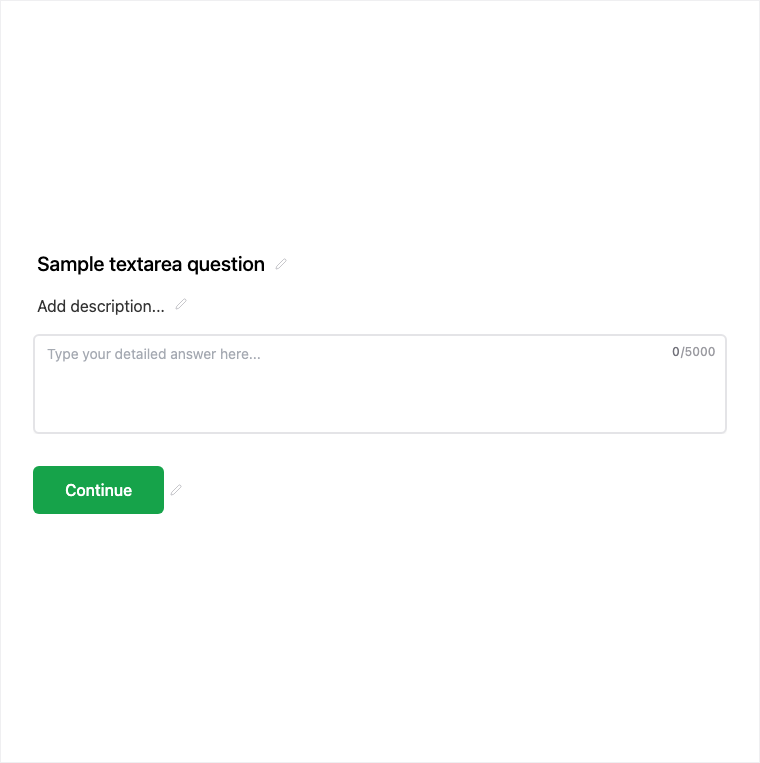
Long Text is Formit’s multi-line paragraph field for feedback, explanations, and open-ended research. Add it from Add Block → Long Text, then configure it in the properties panel. When appropriate, you can enable AI follow-up so vague answers get a contextual probe while the respondent is still filling.
How it works
- Add Block → Long Text on the canvas.
- Configure the multi-line question and optionally enable AI follow-up when clarification helps.
- Preview the paragraph input and any follow-up behavior.
- Publish so open-ended answers are collected on the live form.
Benefits
- Multi-line input suited to qualitative and essay-style answers.
- Can pair with AI follow-ups for clearer responses in-session.
- Ideal for research, support detail, and open feedback.
Use cases
- Customer feedback and NPS commentary.
- Support forms that need detailed issue descriptions.
- Research or application essay-style questions.
Tips and best practices
- Use single-line Text for short labels; reserve Long Text for paragraphs.
- Enable AI follow-up on vague answers when your plan supports it.
- Ask one clear prompt so analysis stays focused.
Frequently asked questions
- How is Long Text different from Text?
- Long Text is multi-line for paragraphs; Text is single-line for short answers.
- Can Long Text use AI follow-ups?
- Yes. You can pair Long Text with AI follow-ups so vague answers get a contextual probe during the fill (plan-gated for publishing AI follow-up).
- When should I use Long Text?
- Use it for qualitative feedback, support details, and essay-style or research answers.
Try it in FormitAI
Open the builder, configure this in a real form, publish a version, and share a link or embed. Start free - paid features stay honest about plan gates in the product.
Open FormitAI